The Shape Matching Game pairs each of five original geometric forms — Arch, Diamond, Hexagon, Chevron, and Capsule — with the silhouette that shares its disclosed shape ID, and a complete run of all five pairs is worth exactly 1,000 points with 200 points awarded per correct match. Players can complete the same matching task through three different input paths — pointer drag, two-step click selection, or keyboard shortcuts — because every route calls the same reducer and uses the same source-to-silhouette identity check. The pieces and silhouettes are drawn locally with SVG and CSS tokens rather than imported images or emoji, and no account, upload, or camera is needed to start a run. The default board ships with a fixed source order of Arch, Diamond, Hexagon, Chevron, Capsule and a deliberately mismatched silhouette order of Hexagon, Capsule, Diamond, Arch, Chevron, so the very first frame is already playable. Best-score storage, a status line, keyboard guidance, and a Boss Key are bundled into the shared game shell, and every score change is the direct result of an accepted same-ID pair on the visible board.
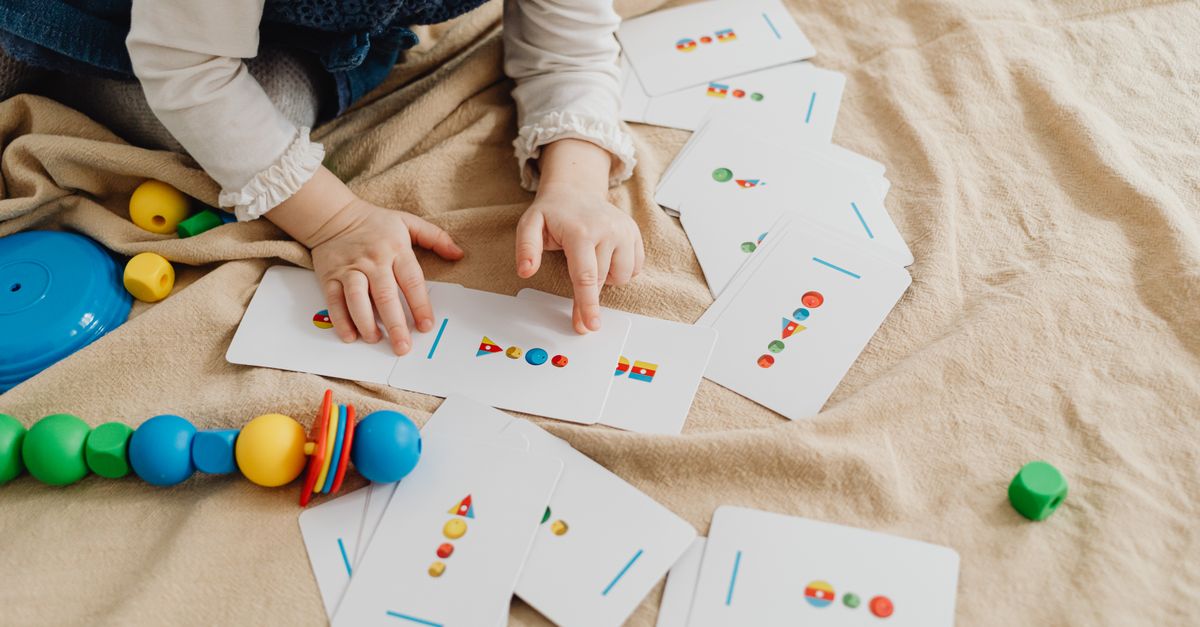
How Shape Match for Kids Works in the Browser
Shape Match for Kids is a finite browser puzzle with a single, fully disclosed rule: every original piece has exactly one equivalent silhouette, and that silhouette is identified by the same shape ID printed next to it. There are no rotating or mirror candidates, no surprise extra targets, and no images to recognise — only five original geometric forms rendered as local SVG, and five outline-only silhouettes that share the same disclosed labels. A run starts the moment you load the page, and it ends when all five pairs are matched, when you make a second distinct wrong pairing, or when you restart the layout.
Because every form is drawn locally, the same shapes look identical on a phone, a tablet, or a desktop, and they stay consistent across browsers without depending on a downloaded asset pack. The two columns — source on the left, silhouettes on the right — stay visible at the same time, so a kid can scan both sides before committing to a pair. Once a pair is accepted, both items disappear from the columns and the score increases by exactly 200. The shared game shell also exposes a Restart button, a status line that shows your current score, a keyboard guidance panel, and a Boss Key that hides the puzzle in one keystroke.
Match the Five Original Pairs Step by Step
- Open the Shape Matching Game page in your browser and let the default board render. You will see five source pieces in the left column and five silhouettes in the right column.
- Pick a source piece — Arch, Diamond, Hexagon, Chevron, or Capsule — by pressing it with your pointer, clicking it once, or pressing the matching keyboard key 1 through 5 for the five visible source positions.
- Move, click, or press the matching silhouette key 6, 7, 8, 9, or 0 for the five visible target positions to choose the silhouette that shares the same shape ID. Pointer users release over the target; click users select it as a second step; keyboard users press the corresponding key.
- Watch for the 200-point confirmation: a correct same-ID pair disappears from both columns, the score advances by exactly 200, and your current selection is cleared so the next source piece is free to pick.
- Repeat the pick-and-confirm flow until all five source pieces are matched. With five correct pairs the score reaches exactly 1,000 — the audited 200 × 5 = 1,000 finish that the independent tests verify.
Drag, Click, or Keyboard: Three Routes, One Rule
Because all three input paths share the same reducer, the game behaves identically whether a kid drags with a mouse, taps with a finger, clicks twice, or uses the number row. Pointer users press a source and release over its silhouette; the interaction uses pointer events plus a target hit test, so touch screens and trackpads share the same logic without depending on HTML5 drag-and-drop. Click users follow a two-step flow: choose a piece, then choose its silhouette, and the same identity check is applied at the second click. Keyboard players press 1, 2, 3, 4, or 5 for the source slots and 6, 7, 8, 9, or 0 for the target slots, which is the same selection logic the pointer and click paths use.
This single-rule design matters when the game is opened on different devices at home or in a classroom. A mouse, a touch screen, and a Bluetooth keyboard each reach the same audited 1,000-point finish without any settings menu, mode switch, or accessibility flag to flip. If you want a deeper look at how another matching game keeps its keyboard path consistent with its pointer path, see this walkthrough of shape rotation with full keyboard support.
Default Source and Target Orders
The default board is intentionally scrambled between the two columns. Source pieces always appear in the order Arch, Diamond, Hexagon, Chevron, Capsule, while the silhouette column always appears in the order Hexagon, Capsule, Diamond, Arch, Chevron. That deliberate mismatch means no source piece sits next to its silhouette on the default board, so a kid cannot win by reading top-to-bottom or left-to-right. Every successful pair requires looking at the actual shape outline and the disclosed shape ID rather than guessing by position.
| # | Source Piece | Source ID | Default Source Slot | Default Silhouette Slot |
|---|---|---|---|---|
| 1 | Arch | arch | 1st | 4th |
| 2 | Diamond | diamond | 2nd | 3rd |
| 3 | Hexagon | hexagon | 3rd | 1st |
| 4 | Chevron | chevron | 4th | 5th |
| 5 | Capsule | capsule | 5th | 2nd |
The source IDs and silhouette IDs are the same for every piece, which is what allows the reducer to score a pair with a single same-ID check. Shuffle layout is an explicit user action that reorders both columns with a pure seeded Fisher-Yates permutation, and the layout ID stays visible so the new board can be reproduced exactly.
Mistakes, Deadlock, and Terminal State
The game allows exactly one recoverable mistake per run. If a source is paired with the wrong target, the source-target signature is stored so that repeating the identical wrong pair is a strict no-op and the run continues. A second distinct wrong target, however, closes the layout and the score is frozen. Completion after five correct pairs triggers the same terminal freeze, so sources, targets, and the Shuffle button all stop responding until you press Restart or shuffle for a fresh unplayed layout.
Several other actions are treated as atomic no-ops: selecting an unknown ID, selecting an already matched source, targeting an already matched silhouette, and reselecting the current piece. None of them change the score, the matched count, or the mistake counter. Reducer guards preserve this terminal state even if an action is invoked programmatically, so a curious kid cannot accidentally lock the board by mashing keys after a deadlock.
Scoring: 200 Per Pair, Exactly 1,000 to Finish
The score is the simplest part of the puzzle to verify. Every accepted same-ID pair awards 200 points, removes that pair from further play, and clears the current selection. Five accepted pairs therefore total 200 + 200 + 200 + 200 + 200 = exactly 1,000 points. Best-score storage in the shared shell keeps your highest audited finish across sessions, and the same 1,000-point ceiling is what the independent tests check across eight reproducible seeds.
| Step | Action | Points After |
|---|---|---|
| Start | Load the default board | 0 |
| Pair 1 | Match any source to its same-ID silhouette | 200 |
| Pair 2 | Match a second source to its same-ID silhouette | 400 |
| Pair 3 | Match a third source to its same-ID silhouette | 600 |
| Pair 4 | Match a fourth source to its same-ID silhouette | 800 |
| Pair 5 | Match the last source to its same-ID silhouette | 1,000 |
Because the only way to change the score is to accept a same-ID pair, every displayed number is a direct, verifiable count of completed pairs. No bonus points, no time bonus, and no penalty for the single recoverable mistake are added.
What Stays Local on Your Device
All processing for shape match for kids happens in the browser. There is no account, upload, camera, personal image, API call, AI classification, or external dependency. The five pieces and five silhouettes are abstract geometric forms; they do not encode a developmental standard or a culturally authoritative symbol system, and the score records only completion of the five disclosed pairs. Restart restores the current layout with no pairs, no selection, no score, and no mistakes, while Shuffle creates a fresh unplayed layout from a reproducible seed.
The shared game shell handles the surrounding UX: Restart, best-score storage, status, keyboard guidance, and the Boss Key. If a related silhouette puzzle would also appeal to a young player at home, the Shadow Match for Kids guide covers a five-object variant with the same audited finish. For the geometric forms described here, the single source of truth is the visible same-ID label printed next to every source piece and every silhouette.