The Hidden Numbers Game is a five-round browser puzzle for finding visible numbers from 1 upward across five original Canvas scenes, and a complete run ends with exactly 1,000 points. For anyone looking for a hidden numbers game, the solution is the linked Hidden Numbers Game tool: start with 1, follow the single value shown in the Find next panel, and submit each matching number in strict ascending order until the current board clears. Each board contains every visible value from 1 through N once, and the five rounds progress from four targets to eight. You can select a target directly with pointer or touch, or focus a progressive keyboard scanner, move through its five-column-by-four-row grid with the Arrow keys, and press Enter or Space. The tool renders its scenes locally and provides both routes without downloading external artwork or creating an account. Because the game has no countdown and the score does not reward speed, you can work methodically, pause between searches, use browser zoom, and move through the scanner slowly without losing points. That makes the task concrete: the visible number and the currently accepted value must agree, not merely be somewhere on the scene.
What the hidden numbers game asks you to do
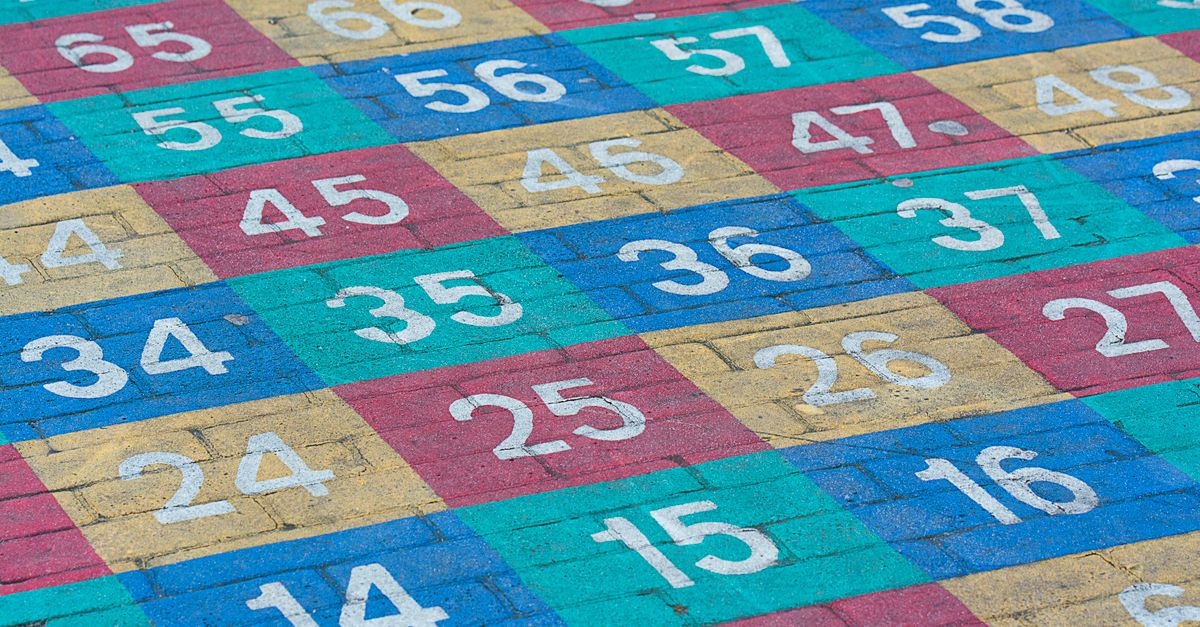
The relevant game is a five-round sequential search puzzle. Every board places a fixed set of visible numbers, and each board contains the values 1 through N exactly once. The number of targets increases across the rounds, beginning with four numbers and reaching eight in the final scene. You must select 1 first, followed by 2 and each subsequent required value. The Find next panel always shows the only value accepted at that moment.
A later number can be visible before it is needed, but selecting it does not let you bypass the current step. A scene clears only after its complete sequence has been found in order. This rule keeps every round focused on one clear task: locate the exact number currently requested.
| Scene | Visual composition |
|---|---|
| Transit Blueprint | Abstract route lines winding around junctions |
| Archive Shelves | A panel divided into labeled-looking bays |
| Garden Survey | Paths and oval garden beds |
| Signal Console | Rail-like lines, dials, and bars |
| Machine Room | A denser grid of gauges and channels |
Every scene is generated locally with Canvas lines, rectangles, ellipses, and circles. No external drawing, stock asset, screenshot, puzzle book, or copied scene is used, so the visual search remains self-contained in the browser.
Why its controls work for touch and keyboard searches
The pointer and touch route uses audited Canvas geometry rather than requiring a pixel-perfect tap. A press is converted from the displayed canvas size into the fixed 360-by-240 logical coordinate system. The game then looks for the nearest unfinished number within a 26-pixel logical radius, producing a 52-pixel logical hit diameter designed to remain practical when the board scales down on a phone. Empty space and an out-of-sequence number use the same deterministic error system.
The keyboard route provides one real focus target rather than a collection of hidden answer buttons. Focus the scanner, use the Arrow keys to move its visible outline through the five-by-four grid, and press Enter or Space to check the current cell. Its accessible label describes the current row and column, whether that cell contains a visible number, and which number is required next. It does not reveal a complete list of number coordinates. For a separate control-focused reference, see Play Hidden Numbers Game by Keyboard or Screen Reader.
The Canvas is hidden from assistive technology because the scanner supplies the equivalent interactive description. Behind the scenes, the puzzle list is deliberately scrambled, and its opaque word IDs contain no value, round, ordinal, or coordinate clues. The playable order comes from the numbers painted on the scene and the rule to proceed upward from 1.
How to finish all five rounds
- Open the board and read the first prompt. The Find next panel starts with 1. Treat this panel as the source of truth for every selection.
- Choose the required visible number. With pointer or touch, scan the scene for the displayed value and tap it. The audited hit test accounts for the board's logical coordinates and accepts the nearest unfinished mark within its defined radius.
- Use the scanner for keyboard play. Focus the scanner, move through its five-column-by-four-row grid with the Arrow keys, and press Enter or Space when you reach a cell. Continue until the required number is accepted.
- Follow the updated target after every correct choice. The Find next panel changes to the next value in strict ascending order. Find that exact number even if another number is easier to see.
- Complete the entire scene sequence. Finding one target is not enough to clear a board. Continue until every value from 1 through N has been accepted in order. The cleared board then awards exactly 200 points and clears any earlier failure history.
- Repeat the same process on the next scene. The five boards progress from four targets to eight, but the operating rule never changes: begin at 1, follow the current prompt, and complete the sequence.
- Recover carefully if a choice is rejected. The first distinct wrong location remains repairable, and repeating that same unchanged wrong choice does not add another miss. Selecting a second different wrong location closes the run, so use Restart before trying another route.
How mistakes and recovery work
Errors are tied to the current scene and the selected logical cell. An empty pointer press is associated with the corresponding quantized cell, so pressing the same empty area again repeats the same wrong choice rather than creating another distinct mistake. Pointer errors, touch errors, and keyboard selections all follow the same rule system.
| Action | Game result | Next move |
|---|---|---|
| Select the required number | The choice is accepted and the Find next prompt advances | Search for the newly required value |
| Make the first distinct wrong selection | One repairable mistake is recorded | Continue and select the required number |
| Repeat the same unchanged wrong choice | No additional miss is added | Keep searching for the current target |
| Select a second different wrong location | The run closes | Use Restart to restore the opening state |
| Complete the whole sequence | The board clears for 200 points and prior failure history is cleared | Continue to the next scene |
Correctly completing a scene removes the earlier failure record before the next board begins. This means a mistake does not automatically carry over once the required sequence has been finished successfully.
Scoring, pausing, and restarting
Each cleared board is worth exactly 200 points, and completing all five fixed sequences gives the published maximum score of exactly 1,000. The score does not depend on speed, browser timing, device performance, pointer precision, or input method. There is no countdown and no reaction bonus, so a careful search receives the same result as a quick one.
You can pause between searches, use browser zoom, or navigate the scanner slowly without losing points. When a run reaches completion or deadlock, pointer input, keyboard input, scoring, and scene transitions remain frozen until Restart restores the exact opening state. The shared game shell also supplies local best-score storage and a double-Escape Boss Key. If local storage is blocked, only the optional best score is affected; the puzzle scene and its rules remain unchanged.
A steady search routine
Use the same repeatable routine on every board:
- Read Find next first. Search for that exact value rather than whichever number is easiest to spot.
- Work in a small region. Scan a route, shelf, path, console, or machine section at a time, then check the target against the current prompt.
- Use direct selection when it is clear. A tap or pointer press on the visible number is converted into the game's fixed logical coordinates for a consistent hit test.
- Use the scanner when a pointer is not suitable. Read its current row, column, and cell status, move with the Arrow keys, and check with Enter or Space.
- Do not chase the sequence out of order. A visible higher value still produces an error until its turn arrives.
- Slow down when needed. Browser zoom, pauses, and careful scanner movement do not reduce the final score.
Local play and privacy
The game logic runs locally in the browser with React, Canvas, and the existing game shell. No image is downloaded during play, no player data is uploaded, and no account or API is required. The five scenes and their geometric backgrounds are created on the device rather than fetched as external artwork.
Because the optional best score is stored locally, the game does not require a profile or cloud save. Restart and the double-Escape Boss Key come from the shared shell, while the Canvas scenes, progressive scanner, strict ordering, hit testing, and terminal-state behavior remain specific to this hidden numbers game.