Change Blindness Test tips work because the game runs on a fixed three-stage state machine you can train around: a 0.9-second Original frame, a 0.18-second blank mask, and a Changed frame that exposes exactly one altered feature across a 3-by-3 zone grid. Each correct zone adds exactly 200 points, so five correct rounds equal 1,000 points with no speed bonus, timer penalty, adaptive difficulty, or hidden adjustments. Two distinct wrong zones end the run in terminal deadlock, but a single distinct miss — even if you click the same wrong zone again — is deduplicated and recoverable, which gives you room to test, then confirm. Tips that target the Original stage, the flicker, the answer zone, the recovery rule, and your control choice are the only tips that change your score, because nothing else about the run is negotiable. The scenes, the timers, the zone map, and the scoring rule stay identical every restart, so the tips below are repeatable, not lucky.
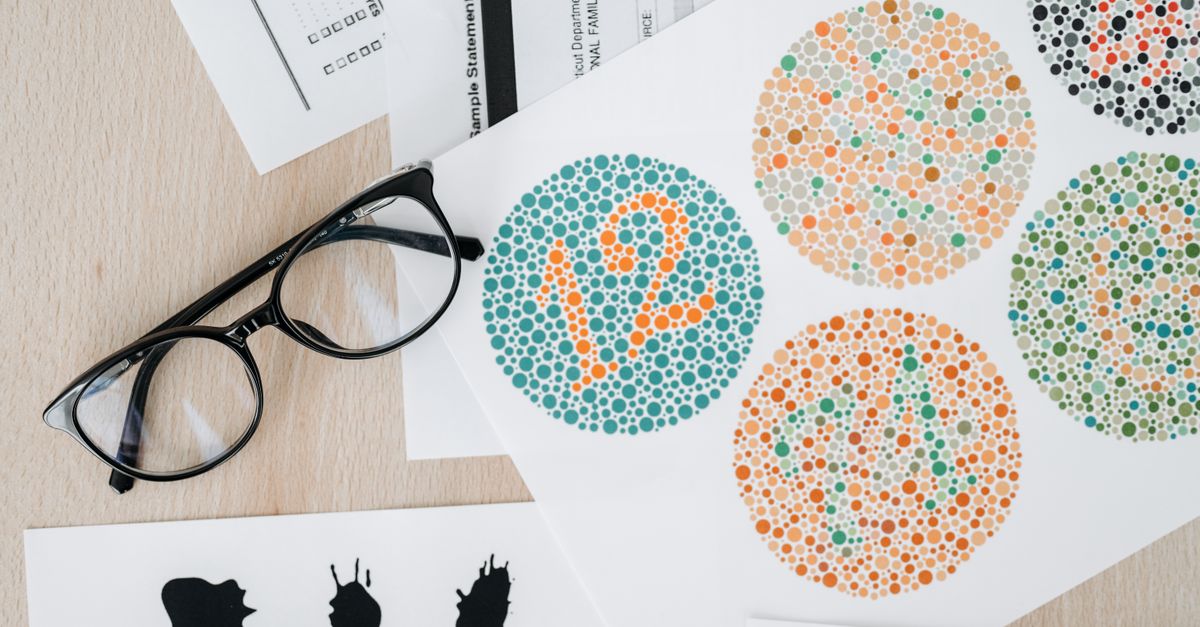
How to Play a Five-Round Change Blindness Test Session
Three steps repeat every round and define the entire session, and following them in order is the structural foundation for every tip that follows.
- Study the Original abstract scene for 0.9 seconds, or press S to request the change sooner.
- Wait through the 0.18-second blank mask, then click the changed zone or press its number from 1 through 9.
- Find all five single-feature changes before a second distinct miss to finish with exactly 1,000 points.
All five rounds follow this exact path with the same scoring, so the three steps double as a checklist. The Original frame, the mask, the Changed frame, and the answer phase happen in the same order with the same durations for every round, so any improvement you build in round one carries directly into round five.
Read the Original Frame Like a Scanner
You cannot memorize the abstract scene in 0.9 seconds, and trying to do so is the most common reason runners click the wrong zone in round one. The Original frame is a single brief exposure of an SVG composition that contains exactly one feature you will need to relocate after the flicker: a central ring, a ray cluster in one quadrant, a stripe set, an orbit dot, or a bridge. Tips for this stage are about building a fast scanning routine, not about attention training.
Divide the frame into thirds, top to bottom and left to right, so the same three-by-three mental map matches the answer grid. In 0.9 seconds, look first at the four corners, then at the four ring edges, then at the center. This ordering covers the four quadrants where every later change happens before you spend the remaining milliseconds on the rest. Press S only after you have located the feature; ending the Original early is useful when you have already seen what you need, not before.
If the central feature is missing or unclear on the very first round, treat that as a hint: round one changes the central ring into a square, so a missing or transformed center is the change you are looking for, not a glitch. The Original frame reserves its dimensions to prevent layout shifts, so the same three-by-three mental map lands on the same physical pixels every round.
Survive the Flicker Without Guessing
The 0.18-second blank mask is short on purpose, and tips that try to "hold the image in your mind" do not work because there is no image to hold — the Original is replaced by a neutral blank before the Changed frame appears. The mask exists to test whether you can re-find the change after a brief visual reset, which is exactly what your brain already does dozens of times an hour when you blink past a sign on the highway.
Use the flicker as a cue, not as a stage to manage. Look at the center of the screen during the mask, do not try to track features, and let your eyes refix on the same three-by-three map you used during the Original. The Changed frame appears immediately after, with the same layout, so a calm center refix is faster than chasing the previous frame. Show change now, or the S key, only shortens the Original stage; the mask still runs, so do not press S expecting to skip straight to the answer.
If you happen to lose focus during the mask, that is recoverable. The first distinct wrong zone you click is registered as a single miss, the round is not over, and you can continue. The mask is a rhythm cue, not a checkpoint, so use it to reset rather than to perform.
Pick the Zone Before You Spot the Change
Once the Changed frame is visible, each third of the scene becomes one large semantic button numbered 1 through 9, from left to right and top to bottom. The nine zones form a standard 3-by-3 grid: 1 is top-left, 2 is top-middle, 3 is top-right, 4 is middle-left, 5 is middle-middle, 6 is middle-right, 7 is bottom-left, 8 is bottom-middle, and 9 is bottom-right. Every answer region exceeds the minimum touch target, and keyboard users do not need pointer precision because the matching number key triggers the same answer.
Many runners stare at the Changed frame and try to spot the change first, then translate it into a zone. That ordering is slow because the change can be subtle (a single dot moved, a single stripe rotated), and the time you spend searching is the time you have not spent committing. Reverse the order: name the zone first, then verify with the Changed frame.
For each round, the change lives in one of five named locations: the center, the northwestern quadrant, the southeastern quadrant, the northeastern quadrant, or the southwestern quadrant. Round one changes the central ring into a square (zone 5). Round two reduces the northwestern ray cluster (zone 1). Round three rotates the southeastern stripe set (zone 9). Round four moves a dot in the northeastern orbit (zone 3). Round five opens a gap in the southwestern bridge (zone 7).
If your scanning routine from the Original phase already placed the change in one of those named locations, you can press the matching number immediately. If not, the Changed frame is your confirmation, not your search engine. Visible focus and live feedback on the Changed frame make the state understandable without relying only on color, so reduced-motion users and color-blind users get the same information as anyone else.
The Five Changes, Rounds One Through Five
The table below lists the round number, the feature that changes, the correct zone on the 3-by-3 grid, and the directional cue. The zones follow the standard left-to-right, top-to-bottom numbering of the answer grid, and every before-and-after pair is drawn from the same stable geometry so only the declared feature changes.
| Round | Feature that changes | Correct zone | Directional cue |
|---|---|---|---|
| 1 | Central ring becomes a square | 5 (middle-middle) | Center of the scene |
| 2 | Northwestern ray cluster reduces | 1 (top-left) | Top-left quadrant |
| 3 | Southeastern stripe set rotates | 9 (bottom-right) | Bottom-right quadrant |
| 4 | Northeastern orbit dot moves | 3 (top-right) | Top-right quadrant |
| 5 | Southwestern bridge gap opens | 7 (bottom-left) | Bottom-left quadrant |
Use the directional cue during the Original stage so you know where to land on the Changed frame. Each round, the unchanged quadrants stay identical to the Original; the only altered feature is the one listed, so a quick corner check is enough to confirm your zone before clicking. Five correct rounds therefore lock in five row entries and 200 points each.
Recover From One Miss Without Locking Out
The single most useful tip in this game has nothing to do with spotting changes; it is about knowing what counts as a second miss. A first wrong zone is logged but recoverable. Clicking that same wrong zone a second time in the same round is deduplicated and does not consume the second error. Only a second distinct wrong zone ends the run in terminal deadlock. In other words, you can click the same wrong zone as many times as you want during a single round; the run is still alive.
Use the duplicate-click rule to test a guess. If you are torn between two zones, click your first guess. If the round advances to the next Original frame, you were right; your score gains 200 points and the timer resets. If the round stays on the Changed frame with feedback that the click was not the change, click the same zone again to confirm the error is logged but not fatal. Then click your second-best guess.
Two distinct wrong zones close the run immediately, and the game enters a terminal state where every further action is a no-op until you restart. Restart restores trial one, zero points, two available errors, and the complete Original timer. Knowing that the duplicate-click is harmless lets you spend the first click as a probe and the second click as a confirmation, which is faster than waiting for full certainty before any click at all.
Keyboard or Pointer: Pick the Faster Path
The game supports both pointer and keyboard input, and tips that ignore that choice leave easy points on the table. Pointer users can click the changed region directly on the Changed frame, which is helpful when the change is visually obvious. Keyboard users can press the matching number from 1 through 9 without precision movement, which is faster when the change is subtle and you already know the zone from your Original-stage scan.
For most runners, the optimal pattern is hybrid. Use the S key to shorten the Original frame once you have located the feature, then press the matching number immediately when the Changed frame appears. Pointer-only runners lose the S-key advantage but gain the ability to target smaller features by exact click. Keyboard-only runners gain speed but should still scan the corners during the Original stage so they know which number to press.
Two more control notes. The S key only shortens the Original stage; the mask still runs before the Changed frame appears, so do not press S expecting to skip straight to the answer. And keyboard number presses before the Answer phase are no-ops, so time the key press to the Changed frame rather than guessing during the mask.
Putting these tips into practice means starting a run on the Change Blindness Test, using the Original-stage scan to lock in a corner, pressing the matching number from 1 to 9 once the Changed frame appears, and treating the first wrong zone as a probe rather than a failure. Five correct rounds equal 5 × 200 = 1,000 points, and that arithmetic is the only thing the score checks. For a deeper round-by-round walkthrough, see the Change Blindness Test round-by-round strategy guide. For the full rules and zone map, see the Change Blindness Test rules reference. The best completed score persists only in your browser, so it stays local across sessions without ever being uploaded.