The Change Blindness Test is a five-round browser game in which you study an original abstract scene for 900 milliseconds, watch a brief 180-millisecond blank mask, then locate the single visible change on a 3×3 zone grid; five correct zones earn exactly 1,000 points. Each scene is hand-drawn in code using simple SVG geometry such as rings, squares, rays, stripes, dots, and bridges, rather than photographs, scientific stimuli, or any imported perception battery, and no round claims to measure eyesight, cognition, or attention health. The product is purely an entertainment fixture with a transparent state machine, fixed before-and-after pairs, and a deterministic scoring rule that any reviewer can audit. Because every change is authored into a stable original frame, the only thing that varies between the Original and Changed frames is the declared feature, which makes it possible to verify each round independently. You can start the game in your browser at the Change Blindness Test page and work through all five rounds in well under a minute once the controls feel natural.
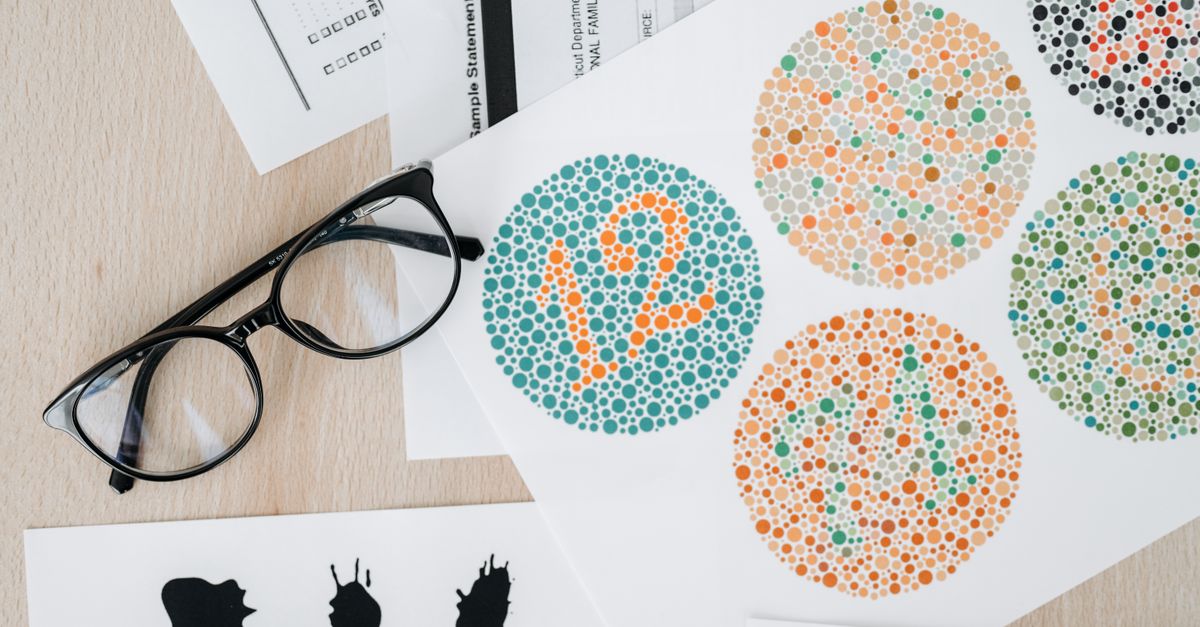
How the Change Blindness Test Runs Each Round
Every trial follows the same three-stage timeline. The Original frame is the first scene you see, drawn from one of five fixed abstract fixtures, and it stays on screen for 900 milliseconds (0.9 seconds). If 900 ms is too long for your taste, pressing S or activating the on-screen Show change now control ends the Original stage early, but the 180 ms blank mask that follows is always preserved, so the flicker is a real part of the trial regardless of how you trigger it. After the mask, the Changed frame appears with the same geometry except for one declared feature, and the screen is overlaid with nine large answer regions arranged in a 3×3 grid.
The answer layer is mounted only during the Answer phase, so it cannot be clicked or hovered while you are studying the Original or watching the flicker. Each of the nine zones is numbered 1 through 9, beginning at the top-left and reading left to right, top to bottom, the same way a numeric keypad is read. Pointer, mouse, and touch users click the changed region directly, while keyboard users press the matching number key. There is no precision movement required for keyboard play because any of the numbers 1 through 9 is accepted as soon as the Changed frame is on screen.
How to Play the Change Blindness Test
- Open the Change Blindness Test in your browser and let the first Original frame load. Study the scene for 900 ms, or press S if you want to skip straight toward the flicker before the timer ends.
- Wait through the 180 ms blank mask. The mask is a neutral blank screen of the same size as the scene, and it is not a skipped phase.
- When the Changed frame appears, look for one and only one feature that differs from the Original. The changed feature is part of the same stable geometry as the first frame, so every other element should look identical.
- Click the changed zone with your pointer or finger, or press its number key from 1 through 9. A correct zone adds 200 points and immediately resets the next round to the Original frame.
- Repeat the study-flicker-answer loop until all five rounds are complete. Five correct zones equal 200 + 200 + 200 + 200 + 200, which works out to exactly 1,000 points.
- If you click or press a wrong zone once, you may continue. Choosing the same wrong zone again in that same round is recognized as a repeat and does not cost you anything; choosing a different wrong zone ends the run.
- Restart at any time to bring trial one back to zero points, two available errors, and the full 900 ms Original timer.
The Five Specific Changes You Will See
The Change Blindness Test ships with five fixed before-and-after pairs. Knowing the shape of the change in each round is useful for orientation, but the differences themselves are small and the abstract geometry stays the same. The table below lists each round, the feature that changes, and where that feature usually sits in the 3×3 grid.
| Round | Before state | After state | Typical zone |
|---|---|---|---|
| 1 | Central ring | Square in place of the ring | 5 (center) |
| 2 | Northwestern ray cluster | Reduced ray cluster | 1 (top-left) |
| 3 | Southeastern stripe set | Rotated stripe set | 9 (bottom-right) |
| 4 | Northeastern orbit dot | Dot moved along the orbit | 3 (top-right) |
| 5 | Southwestern bridge | Gap opened in the bridge | 7 (bottom-left) |
The Typical zone column reflects the geometric direction of the change; the actual answer is whatever 1-through-9 cell that feature ends up in once the Changed frame is mounted. Because the scenes are fixed product fixtures, these five before-and-after pairs are the only changes that exist in the run, and they are restated in the game's own logic test rather than computed at runtime.
Scoring, Misses, and How a Run Ends
The scoring rule is small enough to memorize in one read: every correct zone adds 200 points, and a perfect run of five rounds lands on 200 × 5 = 1,000 points exactly. There is no speed multiplier, no timer penalty, no adaptive difficulty, and no hidden score adjustment. The short timers (900 ms and 180 ms) only control when each phase is presented; they never change how many points a correct answer is worth.
The miss rule has one nuance worth understanding. The first wrong zone in a round is recorded as a signature keyed by the round number and the zone you chose. If you pick the same wrong zone again in that same round, the game deduplicates the signature, so it does not consume your second error. The run only ends when you choose a different wrong zone from your first mistake, at which point the run enters terminal deadlock and the game freezes in its current state. There is no recovery from terminal deadlock except a restart, which brings trial one back to zero points, two errors, and a complete Original timer.
Invalid actions are also worth knowing about. Pressing an out-of-range number, answering before the Changed phase, or acting after the run has completed or deadlocked is treated as a harmless no-op. None of these will cost you a miss, freeze the screen in a new way, or reset your score. Out-of-phase actions simply preserve the existing state.
Controls, Accessibility, and Local Processing
The interface is built around three layers — a project surface, a foreground, and an accent — with explicit border, danger, and muted color tokens. The square scene reserves its dimensions so the page does not shift, the blank mask stays the same size as the scene, and every answer region is large enough to exceed the minimum touch target on phones and tablets. Visible focus outlines and live state announcements make it possible to play the game without relying on color alone, and reduced-motion users do not need decorative movement to follow the timeline.
Every action runs locally in the page. There is no upload, no camera, no eye tracker, no account, no third-party image, and no network request. Only the shared best completed score can persist in your browser, and you can clear that with your browser's standard site data controls. The interface also includes a Boss Key: pressing Escape twice opens a simulated spreadsheet that freezes the trial, and pressing Escape twice more returns to the unchanged trial so you can resume exactly where you left off.
Other Observation Games to Try Next
If you enjoy the Change Blindness Test, several other Lizely games test similar comparison or recall skills with their own transparent fixtures and visible scoring. The Spot the Difference game lets you compare two original harbor scenes side by side and locate five precise visual changes. The Pattern Memory Game asks you to memorize five original 3×3 patterns and choose each hidden record from four options for a 1,000-point finish. The Hidden Object Game sends you into an illustrated attic to search for five named hidden objects. The Visual Memory Test covers recall of five fixed grid patterns at your own pace, with explicit reveal and hide controls. None of these games share scoring rules with the Change Blindness Test, but each one keeps its fixtures and scoring visible so you always know what the result means.
Related reading: Build a City Game: Play the 5-Permit Puzzle to 1,000.
Related reading: Anagram Game 1: Read Five Clues, Score 1,000.