Double-check four things before trusting an inflation projection: the starting amount, the annual rate and its sign, the number of years, and whether you are reading future cost or future purchasing power.
The Inflation Calculator applies one compound model: future cost is amount × (1 + r)^n, while future purchasing power is amount ÷ (1 + r)^n, where r is the annual rate as a decimal and n is the number of years. The two outputs are opposite views of the same scenario, so a correct calculation can still be misread.
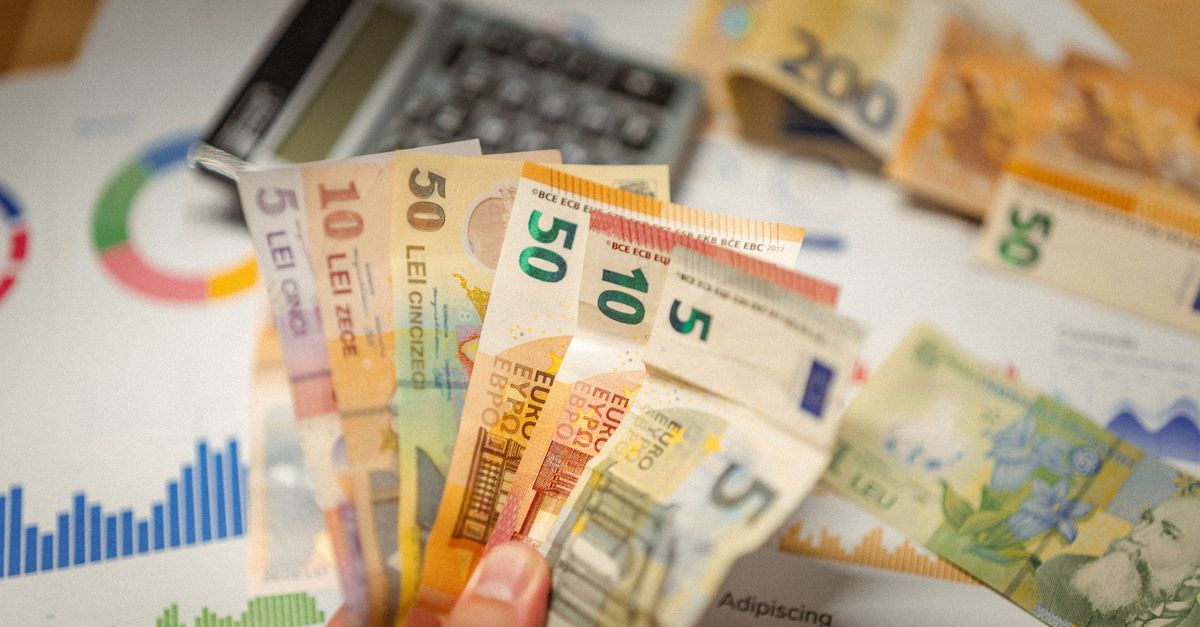
The four checks that matter most
Start with the time basis and units. The amount is a dollar value today, not a future balance and not a price index. The rate is annual, and the projection period must be zero or more years. Check all three against the decision you are trying to make before focusing on the result.
| Item to check | What to confirm | Common mismatch |
|---|---|---|
| Starting amount | Use dollars in today's terms. | Treating today's cash as a future balance. |
| Annual rate | Enter one annual percentage, not an index level or investment return. | Using a price index as though it were an inflation rate. |
| Rate sign | Use a positive rate for inflation and a negative rate for deflation. | Accidentally dropping a minus sign. |
| Number of years | Use the exact planning horizon; the value must be zero or positive. | Using a period that does not match the goal. |
| Selected output | Decide whether you need future cost or future purchasing power. | Reading purchasing power as a future cash balance. |
The easiest unit mistake is to mix today's dollars with future dollars. For a future-expense question, enter the basket's current cost and read future cost. For a savings question, enter the cash held today and read future purchasing power in today's money. The number may be identical, but the interpretation must match the purpose.
Run the projection in the correct order
- Enter today's dollar amount. Type the money you have now, or the current price of the goods or service whose future cost you want to estimate. Keep the unit in dollars and do not enter an already-projected amount.
- Enter the assumed annual inflation rate. Provide the rate as a percentage. The calculator converts that percentage to a decimal for the formula, so enter the percentage form rather than doing the conversion yourself. Use a negative rate when you intend to model deflation.
- Set the number of years. Choose the full period covered by the question. The calculator requires years to be zero or positive, and a zero-year projection leaves the amount unchanged.
- Read both outputs. Future cost shows what the current basket may cost later. Future purchasing power shows what the amount may buy later, measured in today's money. Do not treat either number as a historical market record.
- Change one assumption at a time. Results update instantly when an input changes. Holding the amount and years steady while testing alternative rates makes their effects easier to compare. Record the final assumptions rather than remembering only the headline figure.
This sequence creates a clear audit trail: each result can be traced to one amount, one annual-rate assumption, one time horizon, and one chosen output.
Make sure the output answers your question
Future cost and future purchasing power solve different problems. Future cost asks, "What will something priced at this amount today cost in the future?" Future purchasing power asks, "What will this amount of cash buy in the future, expressed in today's money?" This is the practical real-versus-nominal value distinction: the face value of cash can stay the same while inflation changes what it buys.
| Output | Question it answers | Meaning of the result | Do not confuse it with |
|---|---|---|---|
| Future cost | What may the same basket cost later? | A future price expressed in future dollars. | A forecast of a savings or investment balance. |
| Future purchasing power | What may the amount buy later? | Buying power expressed in today's money. | A promised future amount of cash. |
Neither output allocates inflation among individual products or services. The model applies one rate to the whole basket, so it is better suited to broad purchasing-power questions than to a detailed forecast of individual prices. Match the wording of your goal to the appropriate output before drawing a conclusion.
Use the formula to catch inconsistent entries
Let A be the amount, r the annual rate written as a decimal, and n the number of years. Calculate the compound factor, (1 + r)^n, once. Future cost should then equal A × (1 + r)^n, and future purchasing power should equal A ÷ (1 + r)^n. A quick recalculation can reveal a percentage-conversion error, a missing minus sign, or an accidental change in the time horizon.
For one manual check, take $100 today, 3% annually, and 10 years. The factor is (1 + 0.03)^10. Future cost is $100 × (1.03)^10, or about $134.39; future purchasing power is $100 ÷ (1.03)^10, or about $74.41.
- Confirm that 3% was entered as 3 rather than 0.03.
- Check that the same amount and number of years apply to both outputs.
- Verify that any negative sign remains attached to the annual rate.
- Make sure the value you are checking is labeled future cost rather than future purchasing power.
Keep the constant-rate assumption in view
The central limitation is that the calculator applies one fixed annual inflation rate for the entire period. It is a rate-based projection, not a historical-data model. Real inflation, including movements in indexes such as the Consumer Price Index (CPI), can rise and fall from year to year, so actual prices and purchasing power will differ from the scenario.
For a fuller discussion of this distinction, see How Accurate Is an Inflation Calculator? The practical rule is to compare plausible scenarios rather than present one fixed rate as a precise forecast. The calculator can test how a chosen rate compounds over a chosen horizon, but it cannot tell you which future rate will occur.
Do not substitute wage growth, an investment return, or a category-specific price estimate for the inflation rate unless that is the assumption you intentionally want to test. Those are different variables. This tool models only future cost and future purchasing power under the rate entered.
Run a final sign and assumptions check
For a positive amount and positive inflation rate, future cost should be higher than today's amount and future purchasing power should be lower. A negative rate reverses those directions: prices fall and purchasing power rises. At a zero rate, the amount remains unchanged in both views. These are diagnostic checks on the inputs and labels, not predictions of real prices.
- Record the starting amount and confirm that it is expressed in today's dollars.
- Write down the annual rate as a percentage and include its sign.
- Match the year count to the full period covered by the plan.
- Name the output being used and its unit: future dollars or today's dollars.
- Note that the result assumes the selected rate remains constant throughout the period.
Write the final result as a complete scenario before using it in a retirement budget, long-term goal, salary expectation, or savings plan. For example: "This amount, under a constant annual rate for this number of years, produces this future-cost or purchasing-power figure." Results are general information rather than financial advice, so confirm the figures and any consequential decision with a licensed professional.
If you're weighing options, Retirement Savings Projection: What to Double-Check covers this in detail.