Punycode conversion translates each non-ASCII label of an internationalized domain name into the ASCII-compatible string that DNS resolvers, TLS certificate fields, and HTTP Host headers actually accept, using the algorithm specified in RFC 3492. When readers search for a punycode converter command line vs online comparison, they usually have a specific domain in mind - a Chinese brand name, a Cyrillic project, an Arabic keyword - and want to know whether to spin up a local script or just paste the domain into a browser page. A command-line workflow typically involves installing a package such as the Go punycode CLI, the Python idna library, or a Node script using the punycode module, then piping a domain through it on demand. A browser-based workflow drops the install step and runs the same RFC 3492 Bootstring algorithm in JavaScript against a single text field. Both paths produce the same ASCII form for a given input under the raw RFC 3492 convention; the differences show up in setup overhead, network exposure, and how each tool reports malformed input.
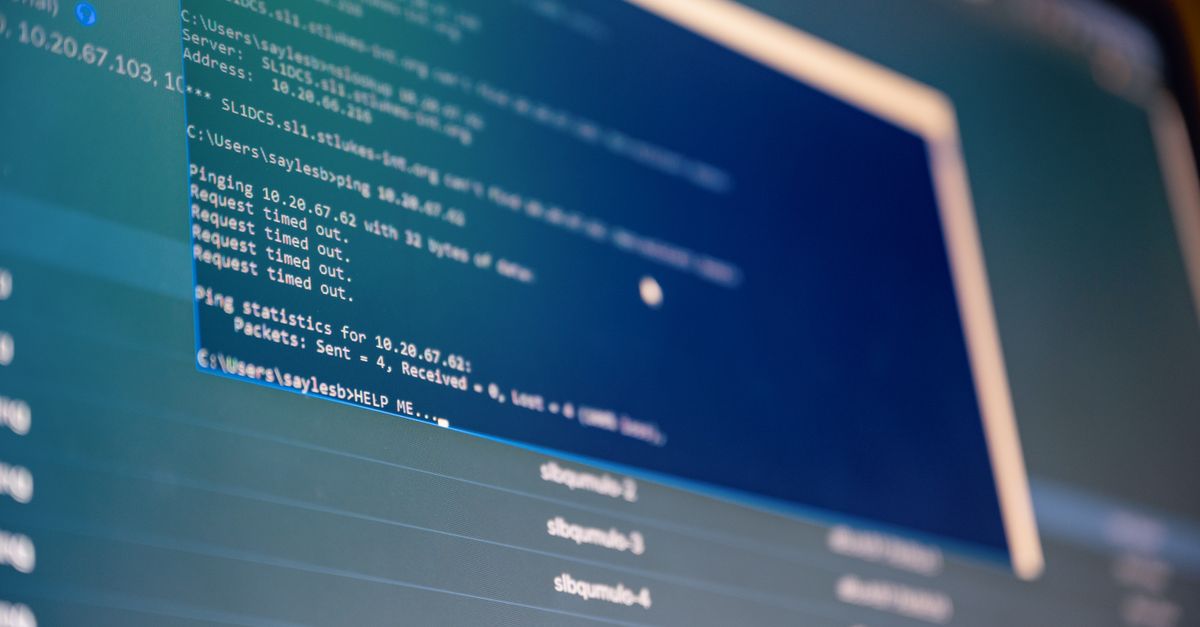
What a Command-Line Punycode Workflow Looks Like
A command-line punycode workflow centers on a local binary or scripting-language binding that implements RFC 3492. Common options include the Go punycode CLI, which can decode a single encoded string with punycode xn--blbrgrd-fxak7p and emit blåbærgrød; Python's encodings.punycode codec or the third-party idna package, often called from a one-line script; Node.js's built-in punycode module or the modern url.URL API; and standalone utilities such as punycoder on GitHub, which wrap IDNA 2003 or IDNA 2008 rules around RFC 3492. Each of these can be driven from the shell, fed a file of domains, and integrated into a certificate signing request pipeline or a log triage script.
CLI tools shine when conversion is part of a larger pipeline - bulk processing a CSV of hostnames, generating certificate signing requests, feeding a log file, or running inside a CI job. They integrate cleanly with xargs, awk, and shell variables, and they leave no trace in a browser history. The trade-off is setup: you need the runtime installed, the package selected, and an awareness of which IDNA flavor the tool defaults to. Some CLI scripts call a remote API for normalization, which removes the privacy benefit and brings the comparison back to a browser page that does the work locally. Choosing between a CLI package and a local command therefore starts with a question of where the bytes will travel: fully on your machine, or to someone else's server before they come back as a converted string.
Why a Browser-Based Punycode Converter Wins for One-Off Conversions
For a single domain lookup, the overhead of installing a language runtime and choosing a package is disproportionate. A browser-based Punycode Converter lets you paste a domain like bücher.example into one field, choose Unicode-to-ASCII, and read back xn--bcher-kva.example without leaving the tab. Everything happens client-side: the page loads the RFC 3492 constants (base 36, tmin 1, tmax 26, skew 38, damp 700, initial bias 72, initial code point 128), iterates Unicode code points rather than UTF-16 halves so supplementary characters stay intact, and adds the xn-- prefix only to labels that actually contain non-ASCII code points. Ordinary ASCII labels are lowercased and otherwise unchanged.
This matters in three practical situations. First, when a registrar or hosting control panel asks for an ASCII punycode version of a domain you can already see in Unicode. Second, when you encounter an unfamiliar xn-- hostname in a log file, email header, or certificate transparency feed and want to read its real Unicode spelling before deciding whether to trust it. Third, when you are documenting an IDN workflow and need a deterministic, copy-pasteable answer. The browser page returns the same string every time for a given input, with the converted domain available via a copy button that excludes any scheme or trailing slash. Online conversion also keeps the input on your machine: the tool does not resolve DNS, does not contact a WHOIS server, and does not perform percent decoding, so the privacy posture is comparable to running the conversion offline in a script, minus the install step.
How to Convert an IDN Domain with the Punycode Converter
- Paste only a domain name into the input field. Do not include https://, a path, a port, a query string, or a fragment; the page expects label data, not a full URL. If your input contains a full stop commonly used in CJK text, it will be normalized to an ASCII dot before splitting.
- Choose the direction: Unicode-to-ASCII when you have a readable name such as bücher.example and need xn--bcher-kva.example, or ASCII-Punycode-to-Unicode when you want to decode an xn-- label back to its Unicode spelling.
- Click Convert. Every label is processed locally with the RFC 3492 Bootstring algorithm. Non-ASCII labels receive the xn-- prefix; ordinary ASCII labels are lowercased and otherwise unchanged. Empty labels, malformed digits, invalid Unicode scalar values, and inputs above 1,000 code points are rejected with an explicit error.
- Inspect each label in the output. Verify that the xn-- prefix is attached only where expected and that the script or writing system matches what you intended. Decode mode applies Bootstring decoding only to labels carrying that prefix, so non-xn-- labels in a mixed input are left untouched.
- Copy the result using the page's copy button. The clipboard receives only the converted domain, with no scheme or trailing slash.
- Validate the copied string with the system that will actually consume it - the target registry, a standards-compliant URL library, or your certificate authority's submission form. Confirm that the length is within the registry's limit and that no look-alike characters from a different writing system are present before treating the result as final.
Command Line vs Online: A Practical Trade-Off Table
| Dimension | Command-line workflow | Browser-based Punycode Converter |
|---|---|---|
| Setup cost | Install a language runtime, choose a package, learn its CLI flags | Open a page, paste a domain |
| Bulk processing | Native fit for scripts, pipes, and CI jobs | Single-domain focus; multi-label handled within one input but no streaming CSV |
| Privacy | Local processing if the chosen script does not call a remote API | Entirely client-side; no DNS, WHOIS, or registry contact |
| Network requirement | Optional - usually none unless the tool fetches normalization tables | Only the initial page load |
| Algorithm transparency | Depends on package; some wrap IDNA 2008 or UTS #46 around RFC 3492 | Raw RFC 3492 Bootstring constants applied at label boundaries |
| Malformed input handling | Varies by library; some return empty strings, others throw | Rejects empty labels, invalid Unicode scalar values, incomplete encoded sequences, and inputs above 1,000 code points |
| Output format | Whatever the script prints; no built-in copy affordance | Deterministic ASCII domain string, copyable without scheme or trailing slash |
| Supplementary character handling | Correct if the library iterates code points (modern idna, Node punycode) | Iterates Unicode code points, not UTF-16 halves, so supplementary characters remain intact |
| Cross-platform | Tied to the local OS and installed runtime | Any modern browser on any OS |
| Best fit | Pipelines, certificate automation, log triage, repeatable jobs | Quick lookups, manual checks, documentation, non-developer users |
Limits and Validation Steps Both Methods Still Owe You
RFC 3492 is the encoding step, not the policy step. Both a CLI script and the browser page can hand back a syntactically valid label that a registry will still reject. Reasons include label-length limits (commonly 63 octets per label and 255 per domain), reserved or blocked Unicode code points, mixing of scripts that look identical to each other, and IDNA 2008 rules that require a stable form before punycode encoding. Production systems usually run Unicode normalization and the WHATWG URL Standard's IDNA mapping table before invoking the encoder, which is why a browser and a CLI tool can disagree on the final ASCII form for the same Unicode input even though both cite RFC 3492. If you feed a registrar's check tool a string produced by raw RFC 3492 encoding and it rejects the label, follow that registry's published IDN policy rather than altering characters blindly.
For a deeper dive into how the constants listed above combine inside the encoder - base, tmin, tmax, skew, damp, initial bias, and initial code point - the RFC 3492 specification itself is the authoritative reference. If you need to handle a URL rather than a bare domain, strip the scheme, path, port, query, and fragment first, then feed only the host part to either the CLI or the browser tool, and reverse the process on the output before reusing it as a URL. Treat the converted string as reversible label data - it tells you how a hostname is spelled, not whether the organization behind it is legitimate. Look-alike characters from different writing systems remain a homograph-attack risk even after a clean conversion, so an independent check of the writing system and the registering entity is non-negotiable. Eight external fixtures cover Latin accents, Greek, CJK, symbols, one-label and multi-label domains; negative tests cover empty labels and incomplete encoded sequences.
When the workflow is repeatable - hundreds of domains, certificate pipelines, log analysis - the CLI wins on automation. When it is a one-off lookup, a debugging moment, or a documentation screenshot, the browser-based Punycode Converter removes the install step and keeps the work on your machine. Both paths share the same RFC 3492 foundation, and both should be paired with registry validation before any irreversible action such as registration or certificate issuance.