The Xbox One cannot literally "change" from IPv4 to IPv6 at the console itself — the network protocol a console uses is negotiated by your router, ISP, and dual-stack software rather than by a single toggle inside Xbox Settings. What most readers searching this phrase actually need is the ability to read and produce the IPv4-mapped IPv6 representation that surfaces in Xbox network diagnostics, socket APIs, and dual-stack server logs. RFC 4291 section 2.5.5.2 defines this representation as 80 zero bits, followed by 16 one bits written as ffff, followed by the original 32 IPv4 bits, producing a valid 128-bit value an IPv6 stack can store. For example, the address 192.0.2.1 appears as ::ffff:192.0.2.1 in mixed notation, ::ffff:c000:201 in compressed hexadecimal, and 0000:0000:0000:0000:0000:ffff:c000:0201 in the fully expanded form. The browser-based IPv4 to IPv6 Converter renders all three spellings from a single strict input, locally, so you can paste the exact representation your logging pipeline, access-control list, or database column expects without guessing which canonical form a consumer prefers.
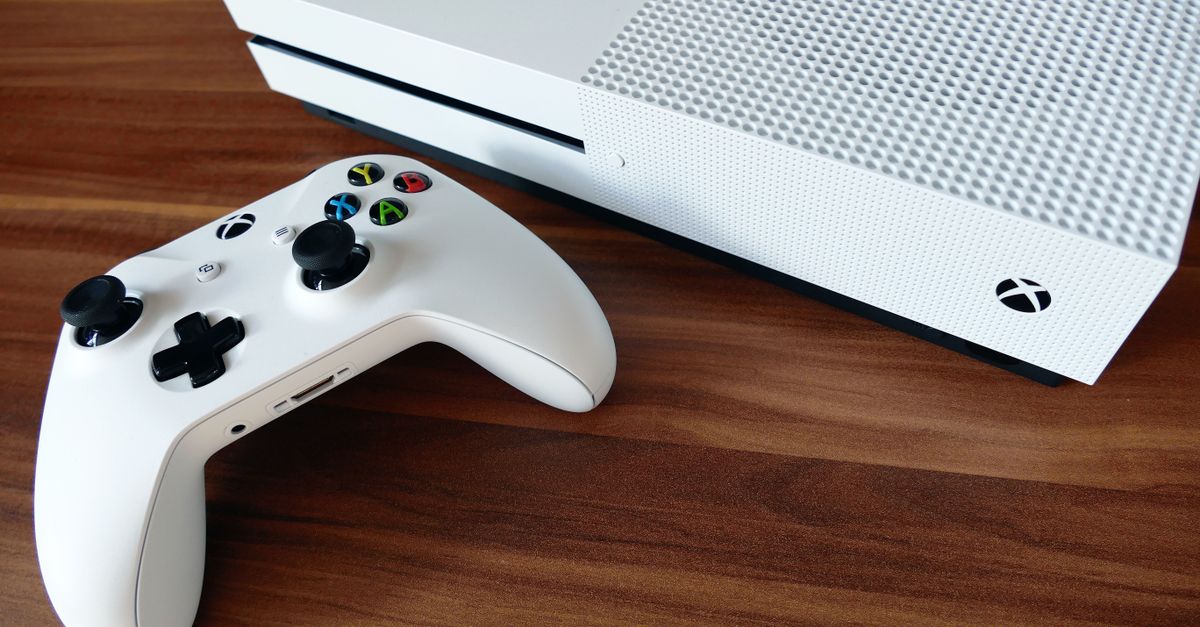
Xbox One IPv6: What the Console Actually Uses
The Xbox One network stack negotiates IPv6 only when your home router advertises IPv6 prefixes through SLAAC or DHCPv6 and your ISP supplies a routable block. Microsoft documents that the console will prefer and use IPv6 when the upstream network provides it, but Xbox Settings does not expose a literal "IPv4 versus IPv6" selector — there is no console-side dropdown to flip. The protocol a game session, party chat, or store download rides on depends on the router's IPv6 mode and the console's dual-stack behavior.
Router configuration is what makes the difference at home. Netgear, ASUS, TP-Link, and Linksys firmware expose IPv6 sections that support Auto, Passthrough, 6to4, and Disabled modes; enabling any Auto-style option is what allows the console to obtain a global IPv6 address. If the router stays in IPv4-only mode, the Xbox One continues to operate entirely over IPv4, and the only IPv6-shaped values that surface in network diagnostics are IPv4-mapped IPv6 representations produced by dual-stack software, not native IPv6 traffic.
When IPv4-Mapped IPv6 Appears in Xbox Network Data
Dual-stack servers and socket APIs commonly expose an IPv4 peer address as an IPv4-mapped IPv6 address when an IPv6 listener accepts both protocol families. If you run a matchmaking backend, a GeoIP lookup service, or a connection-log collector that your Xbox title talks to, the peer field you write down for an IPv4-only client may already look like an IPv6 string with a ::ffff: prefix. Python's ipaddress.IPv6Address.ipv4_mapped property exposes the underlying IPv4 address from that 128-bit slot, and Node.js, Go, and the BSD sockets layer all behave similarly when an AF_INET6 socket accepts an IPv4 connection.
This is also the format your home router's admin page may display when it logs a session from the Xbox One while the local network is dual-stacked. Treating those mapped strings as native IPv6 addresses — and writing firewall rules that match on 2000::/3 for them, for instance — silently misses the traffic. Recognizing the ::ffff: marker tells you the session is actually an IPv4 session represented inside an IPv6-sized structure, which changes how scope is classified and how rate limits apply. To understand the broader addressing layout these mapped values sit inside, see the IPv6 prefix lookup guide.
Convert an IPv4 to IPv4-Mapped IPv6
- Open the IPv4 to IPv6 Converter in your browser.
- Enter exactly one strict dotted-decimal IPv4 address with no surrounding spaces, no leading zeros in any octet, no sign, no CIDR suffix, and no hostname. Use 192.0.2.1 for the documentation range, 10.0.0.5 for private, 127.0.0.1 for loopback, or 0.0.0.0 and 255.255.255.255 for the boundary fixtures. Inputs such as 192.00.2.1 are rejected because Python's modern ipaddress library rejects them too; rejecting the legacy octal form avoids a quiet ambiguity between decimal and octal interpretation.
- The tool produces the RFC 4291 IPv4-mapped representation by prefixing 80 zero bits and the 16-bit ffff marker in front of the original 32 IPv4 bits, yielding three equivalent 128-bit spellings: mixed notation, compressed hexadecimal, and expanded hexadecimal.
- Choose the notation the destination platform expects. Mixed notation ::ffff:192.0.2.1 keeps the trailing IPv4 octets in dotted-decimal for human-readable logs. Compressed hexadecimal ::ffff:c000:201 removes the leading zero inside the two low-order 16-bit words, which is the spelling most IPv6 parsers prefer. Expanded hexadecimal 0000:0000:0000:0000:0000:ffff:c000:0201 pads all eight 16-bit groups to four hexadecimal digits and is useful in fixed-width audit output.
- Copy the chosen spelling and paste it into the consumer — configuration file, test harness, database column, ACL row, or diagnostic note. Parse the copied value with the destination platform's maintained IP-address library before treating it as production data, and normalize before comparing, because the three spellings are bitwise equal but textually distinct.
The Three Output Forms at a Glance
The converter emits the same 128 bits in three text forms. They differ only in notation; the underlying value is identical, and any maintained IPv6 parser will resolve all three back to the same numeric address.
| Notation | Example for 192.0.2.1 | Best fit |
|---|---|---|
| Mixed | ::ffff:192.0.2.1 | Human-readable logs, error messages, support tickets |
| Compressed hexadecimal | ::ffff:c000:201 | Most IPv6 parsers, compact config files, indexed columns |
| Expanded hexadecimal | 0000:0000:0000:0000:0000:ffff:c000:0201 | Fixed-width audit output, byte-exact comparisons, documentation |
Lowercase hexadecimal is used consistently so a copy-paste into case-sensitive stores behaves predictably. The two low-order 16-bit words come from pairing the IPv4 octets: 192.0 becomes c000 and 2.1 becomes 0201, so the formula is octet-pair → 16-bit word and the result is the 32-bit suffix after ::ffff:. The first six 16-bit groups stay fixed at five groups of 0000 followed by ffff, which is exactly the structure RFC 4291 defines.
IPv4-Mapped IPv6 vs Other Transition Forms
Several IPv6 address formats start with zeros and can look interchangeable to a casual reader. They are not. Using the wrong prefix in a policy or a firewall can silently drop the traffic you meant to allow or expose the traffic you meant to deny.
| Mechanism | Prefix | Purpose | This tool emits? |
|---|---|---|---|
| IPv4-mapped IPv6 (RFC 4291) | ::ffff:0:0/96 | Represent an IPv4 peer inside an IPv6 128-bit slot | Yes |
| IPv4-compatible (deprecated) | ::/96 | Old tunnel endpoint; explicitly deprecated by RFC 4291 | No |
| 6to4 | 2002::/16 | Encapsulate IPv6 inside IPv4 across the public Internet | No |
| NAT64 | 64:ff9b::/96 and similar | Translate between IPv6 clients and IPv4-only servers | No |
| SIIT / DNS64 | Operational prefix | Stateless translation plus synthesized DNS answers | No |
The converter is deliberately scoped to mapped addresses only. There is no generic Convert button that can silently pick a deployment mechanism, because the wrong choice changes routing behavior. If your goal is subnet planning, native IPv6 assignment, NAT64 service configuration, or 6to4 tunnel setup, use a tool and a standard designed for that separate task — the mapped representation does not allocate IPv6 space, configure a route, translate packets, or make an IPv4-only Xbox service reachable through the public IPv6 Internet.
Validate the Output Before Using It in Code
Many platforms normalize the same bits to a different equivalent spelling. Python's ipaddress.IPv6Address renders ::ffff:c000:201 in compressed form, the Linux ip command prints the expanded form, and Windows PowerShell may keep the mixed dotted-decimal tail. When authorization, deduplication, or rate-limiting decisions depend on the address, compare parsed objects rather than raw strings. A simple str(ipaddress.ip_address(text)) round-trip, or a library-native equals check, prevents a missing leading zero or a swapped notation from creating two "different" entries that point at the same peer.
Application behavior also varies around the mapped form. Some socket APIs expose an IPv4 peer as an IPv4-mapped IPv6 address when an IPv6 listener accepts both protocol families, but access-control lists, logs, databases, proxies, and web frameworks may normalize, preserve, or reject the mixed form outright. Test the exact consumer before treating a string-prefix match as authorization. For production code, cross-check the converter's output with the destination platform's IP-address library and record whether that platform expects mapped addresses at all. The converter runs locally, performs no lookup, and stores nothing, so iteration during validation is free, but the deployment decision — mapped versus native, IPv4 versus dual-stack versus translated — still belongs to the operator who understands the local network.
If you're weighing options, How to Find an IPv6 Prefix Length and Range Size covers this in detail.