After a Common Network Ports List search, you check the result by reading the matched row's port number, service name, protocol, category, and plain-language description, then confirming that match against the live endpoint with platform tools, service logs, and the IANA Service Name and Transport Protocol Port Number Registry. The table updates immediately as you type, so verification is a matter of reading each visible column with intent and knowing what evidence to gather next. Each row that the table surfaces carries five meaningful pieces of information: the numeric port, the registered service label, the transport protocol, a short plain-language description, and a category used by the filter. Those five fields are the working surface for any answer you give on a ticket, a runbook, or a study sheet. The check is not finished the moment a row appears. A row is a hint from a curated reference, not proof that the program you suspect is the one bound to that port on the host in front of you. Verification means walking from the row to the registry, then from the registry to the actual listening process, traffic capture, or service configuration, before anything is written into a change ticket or a firewall policy.
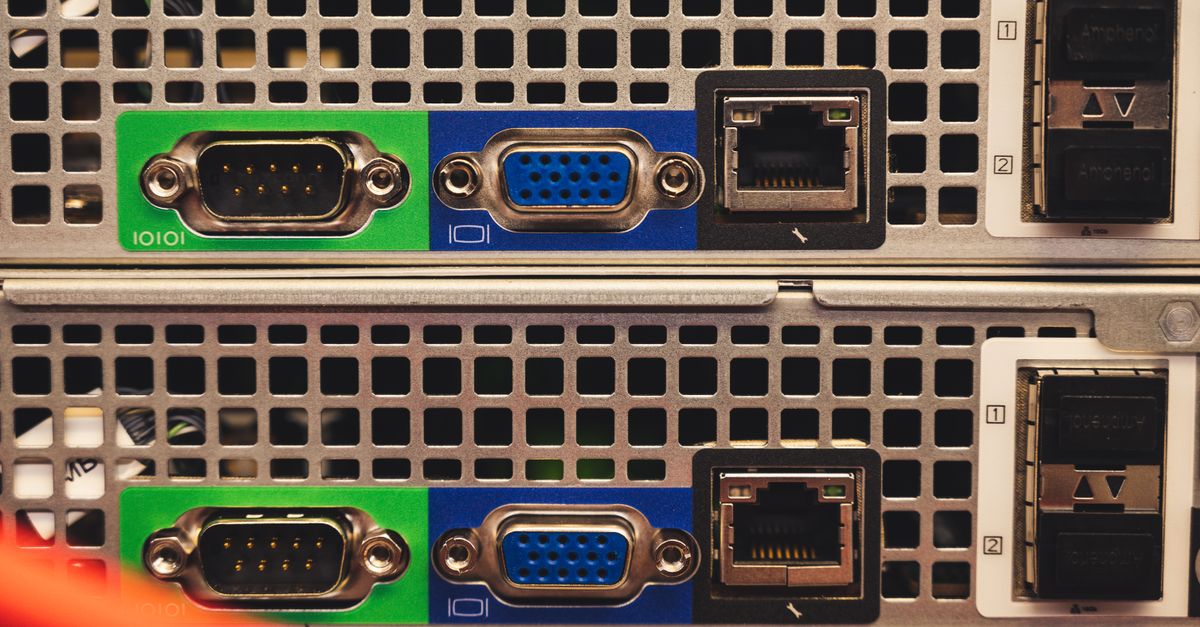
Anatomy of a Returned Row
Each row that survives your search in the Common Network Ports List carries the same five fields, and the columns never change as you filter or copy. Knowing what every column promises, and what it does not promise, is the first half of the verification task. The second half is making sure the column you are reading is actually the column that matches the traffic you observed in a capture, a log line, or a service configuration file.
| Column | Purpose | What to do with it during verification |
|---|---|---|
| Port | The number you saw in a packet, log, or service config | Confirm it matches the number you were investigating, with no leading zeros and the right transport protocol |
| Service | IANA-registered label checked against the registry | Treat as a hint, not as identity proof, because more than one registration can share a port |
| Protocol | TCP or UDP, set per row | Confirm the protocol you actually observed in a capture or service configuration |
| Description | Short plain-language summary | Use as a study note or a quick reference inside a ticket body |
| Category | Filter group such as databases, web, remote access | Narrow the visible set without changing the underlying reference data |
The columns are stable, the rows are sorted numerically, and each port number is unique within the table. That uniqueness is useful when you are translating a number into a likely service, because there is only one curated row per port to read carefully. The inverse is also worth holding in mind: a port absent from the table may still be valid, registered, private, ephemeral, or widely used by convention. Absence means only that the port is outside the curated set, not that the port is unused. The result of a search should always be read with that asymmetry in mind. A row that exists is a working hypothesis, and a row that does not exist is not a negative result.
How to Verify a Common Network Ports List Result
Follow this ordered checklist to turn a search result into a verified answer. Each step adds a layer of evidence on top of the row, and the layers stack: a row, a filter, a registry check, an endpoint check.
- Open the Common Network Ports List and type the port number, service name, product term, or description in the search field. Search is case-insensitive and matches the port number, service, description, and category together, so a query for 443 returns HTTPS, a query for PostgreSQL returns 5432, and a query for mail returns SMTP, POP3, IMAP, message submission, and their TLS variants.
- Read every matching row before drawing a conclusion. Compare the IANA service label against your description, the protocol against what you captured, and the number against the value you recorded.
- If more than one row remains, apply the TCP or UDP filter to isolate the transport you actually observed and review the surviving rows.
- Apply the category filter when you need to study one slice, such as databases, web services, network infrastructure, or remote access, without changing the underlying reference data.
- Copy the visible rows as tab-separated text and paste them into a runbook, study sheet, or ticket body so the verified answer becomes the answer that ships.
- Cross-reference the surviving row against the IANA Service Name and Transport Protocol Port Number Registry when the curated set feels thin or when you need every assignment and its history.
- Confirm the row against the live endpoint with a platform-native tool such as netstat, ss, Get-NetTCPConnection, lsof, or a short packet capture, before anything is committed to a change.
Confirming the Match at the Real Endpoint
A row from the Common Network Ports List is a curated point, and the field values are checked against IANA, but every row still leaves a gap between the registry and the host you are investigating. Closing that gap is the work of the platform-native check. The exact tool depends on the operating system you are working on, and the answer you write on a ticket should reference the command and its output, not the row in isolation.
On Linux, ss -tulnp lists every TCP and UDP listener with the owning process and PID, and lsof -iTCP -sTCP:LISTEN -P -n does the same with full command lines. On macOS, sudo lsof -nP -iTCP -sTCP:LISTEN returns the same shape. On Windows, Get-NetTCPConnection -State Listen returns the local and remote addresses, the owning process ID, and the state, and the older netstat -ano -b still produces the same picture when PowerShell is not available. On any platform, a short packet capture with tcpdump, Wireshark, or the Windows pktmon shows the actual protocol, direction, and payload on the wire.
The row tells you which service is most likely. The endpoint check tells you which service is actually listening. When the two answers agree, you have a verified result. When they disagree, the registry row is still useful, but the change ticket, runbook, or firewall review should be written around the endpoint check rather than the curated row. For deeper background on why an open port is not the same as a running application, the practical guide Why an Open Port Doesn't Prove the Running Application walks through the same gap from a different angle.
Cross-Referencing Against IANA and RFC 6335
The curated table deliberately does not reproduce the full IANA registry. It is a 40-port operational reference chosen for familiar web, mail, file transfer, remote access, directory, database, messaging, printing, container, and core network services. When the curated set is not enough, the authoritative source is the IANA Service Name and Transport Protocol Port Number Registry, and the numbering framework is defined in RFC 6335. IANA divides the number space into System Ports from 0 through 1023, User Ports from 1024 through 49151, and Dynamic or Private Ports from 49152 through 65535. The curated list covers common System and User Ports and does not enumerate the dynamic range.
RFC 6335 is the assignment policy behind every number in the table. It defines what a registered service name means, what a transport protocol port number is, how the three ranges above are divided, and what level of certainty an assignment provides. Reading RFC 6335 before drawing a final conclusion is the cheapest way to avoid the trap of treating an assignment as a proof of identity. IANA's own warning is explicit: assignment does not endorse an application and does not prove that observed traffic is good. The curated table inherits that caveat, which is why it stays a hint and not a verdict. When a verification path needs every assignment, every contact, every reference, every alias, every change date, or entries for SCTP or DCCP, the registry is the only source with the full history. When a verification path needs the policy that produced those entries, RFC 6335 is the only source with the formal wording.
Acting on the Verified Result
Once a row has been read, filtered, cross-referenced, and confirmed at the endpoint, the verified match becomes the basis for downstream work. The four most useful downstream artifacts are a ticket comment, a runbook entry, a study sheet, and a firewall review. Each one wants a different level of detail from the same verified row, and each one carries a different risk if the row was wrong.
A ticket comment is the lightest artifact. The visible rows copied as tab-separated text and pasted into the ticket body give the responder the port, service, protocol, description, and category without leaving the page. No query and no copied result leaves the browser, so the artifact is safe to lift into internal systems. A runbook entry is a step heavier. It pairs the copied rows with the platform-native command that confirmed them and the timestamp of the capture, so the next responder can repeat the verification on the same host or on a peer. A study sheet is the lightest in terms of production risk. The visible rows, the protocol notes, and the description column give a learner the plain-language summary, the registered service name, and the transport protocol in one place. A firewall review is the heaviest. The verified match is the starting point for the policy question, not the policy answer, and the common question on using a ports list as a firewall allowlist is its own article because the answer requires direction, source, destination, protocol, authentication, encryption, ownership, and least-privilege scope.
In all four cases, the verified result is the input. The decision is downstream, and the decision should always cite the registry, the endpoint check, and the row together, so a reviewer can trace the conclusion back to the evidence.