The Color Mixer blends two colors by taking a weighted average of the red, green, and blue channels separately, using the formula result = round(A × (1 − ratio) + B × ratio) for each of the three channels. When you mix two hex colors, the tool reads the hex value of Color A and Color B, treats each as a triplet of 8-bit sRGB values from 0 to 255, then computes the linear interpolation at the ratio you set on the slider. At a ratio of 0% the result is Color A unchanged, at 100% it is Color B unchanged, and at 50% it is the exact midpoint of every channel. This is the same per-channel averaging approach CSS color-mix(), most design tools, and gradient engines use, which is why mixing pure red (#ff0000) and pure blue (#0000ff) at 50% produces #800080 — clean magenta — instead of the muddy purple you would get from blending real red and blue paint. The blend updates instantly as you move the slider, and the result panel shows the precise hex and RGB values of whatever mix you dial in. The Color Mixer is built around exactly this formula, with the math running directly in your browser so each step is reproducible and immediate.
The Formula Behind Every Blend
Every time you drag the ratio slider, the tool does three small additions — one for red, one for green, one for blue — and rounds each to the nearest whole number. The formula, written out, is:
result_channel = round(A_channel × (1 − ratio) + B_channel × ratio)
The channels are clamped to 0–255 because that is the range of 8-bit sRGB values, and the ratio is clamped to [0, 1] because that is the range of a slider position. There is nothing else going on under the hood: no gamma correction, no perceptual weighting, no conversion to another color space. The tool treats the two hex values as raw numeric triplets and averages them. That simplicity is also why the result is predictable — given the same two inputs and the same ratio, you always get the same output.
This is called sRGB linear interpolation because it interpolates linearly inside the sRGB color space. It is not the same as gamma-corrected optical light mixing (which would apply a power curve to each channel before averaging) and it is definitely not subtractive pigment mixing (which would model real paint behavior on paper). For digital work, where colors are ultimately going to be emitted by a screen as additive light, simple linear interpolation is the right tool — it is the same math used by CSS gradients, the color-mix() function, and the gradient stops you see in design software.
Mix Red and Blue in the Color Mixer and You Get Magenta, Not Mud
The most common "wait, what?" moment in screen-based blending is the result of mixing pure red and pure blue. Type #ff0000 into the Color A field and #0000ff into the Color B field, leave the slider at 50%, and the result is #800080 — a perfectly clean magenta. There is no muddiness, no hint of brown, and no purple that drifts toward grey. Every channel calculation is simple to verify:
- Red channel: round(255 × 0.5 + 0 × 0.5) = 128
- Green channel: round(0 × 0.5 + 0 × 0.5) = 0
- Blue channel: round(0 × 0.5 + 255 × 0.5) = 128
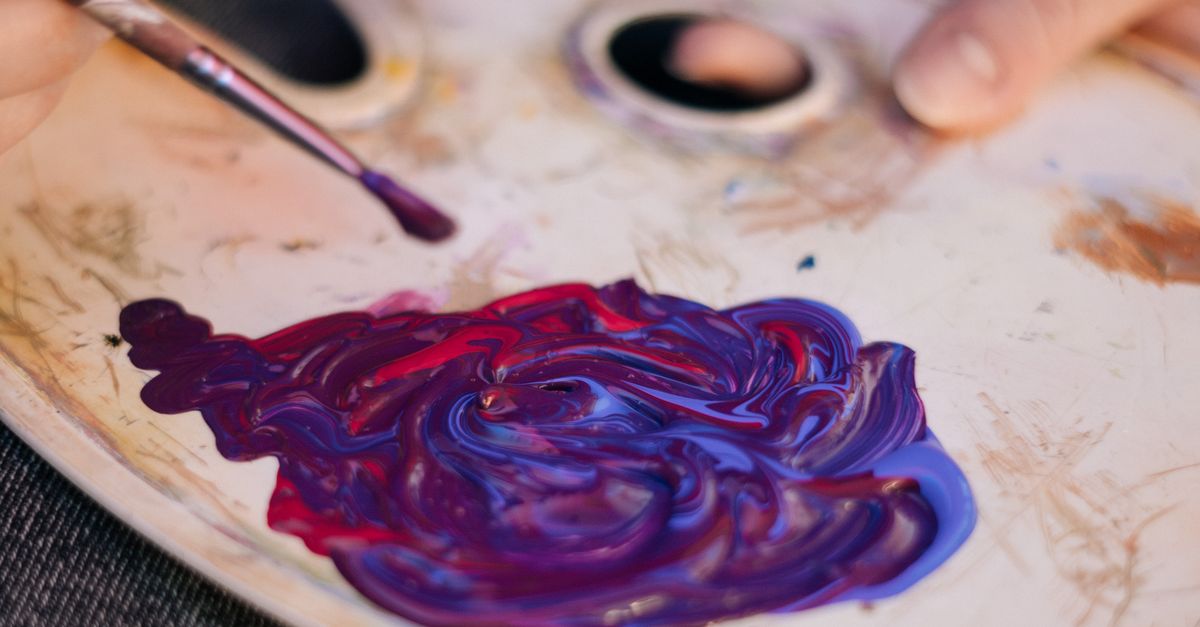
That triplet (128, 0, 128) is #800080, the canonical web magenta. The reason the result looks so much cleaner than a kindergarten art class is that this is additive screen light, not subtractive pigment. Real red paint and real blue paint combine by absorbing wavelengths, which pulls the result toward a dark, desaturated purple or brown. Screens combine by emitting light, and the channels add together cleanly.
How to Blend Two HEX Colors in the Color Mixer
Before you start, it helps to know the input formats the tool accepts. Each color field will take any of the three standard CSS color notations:
| Input format | Example | Notes |
|---|---|---|
| Short hex | #f00 | Three-digit shorthand, expanded internally to six digits |
| Full hex | #3b82f6 | Six-digit form, the most common CSS notation |
| rgb() string | rgb(59, 130, 246) | Functional notation with 8-bit channel values |
The parser is case-insensitive, ignores extra spaces, and accepts a missing hash mark, so "f00", "#F00", and "F00" all parse to the same color. Now the actual steps:
- Enter your first color in the Color A field as a short hex like #f00, a full hex like #3b82f6, or an rgb() string such as rgb(59, 130, 246). You can also click the native swatch beside the field to pick the color visually.
- Enter your second color in the Color B field using the same accepted formats. The parser tolerates extra spaces, missing hash marks, and any letter case.
- Drag the ratio slider to set how much of each color goes into the blend — 0% is pure A, 100% is pure B, and 50% is the exact midpoint.
- Read the mixed color's hex and RGB values in the result panel. The hex is shown in lowercase six-digit form and the RGB as a standard rgb() string.
- Glance at the gradient bar to preview every step between the two colors — eleven evenly spaced blends including both endpoints.
- Click Copy to put the result hex on your clipboard, then paste it into your stylesheet, design tool, or wherever you need it.
Because the math runs on every slider movement, you can scrub the ratio back and forth and watch the hex update character by character. That tight feedback loop is the fastest way to land on an intermediate that looks right for your specific design — far faster than typing guesses into a color picker.
Reading the Ratio Slider and the Gradient Bar
The ratio label always tells you the current split, for example "70% A / 30% B," so any result you land on is reproducible later by setting the same ratio. The gradient bar shows eleven evenly spaced blend steps between your two colors, including both endpoints, so you can eyeball the whole transition in a single glance and notice which intermediate catches your eye. If the step at, say, position 6 of 10 looks like the exact tint you want, you can either dial the slider until the result matches it, or use the slider to hunt the precise numeric hex value that sits between two of the displayed steps.
For users building a color scale — say, a six-stop sequence between two brand colors — the gradient bar doubles as a visual mood board. Drop your lightest and darkest brand colors into A and B, scan the bar, and the steps in between are candidates for your intermediate stops. None of those steps will be perceptually uniform, because sRGB linear interpolation is not perceptually uniform, but they will be mathematically predictable, which is what most design systems actually need.
When sRGB Blending Is the Right Model (and When It Isn't)
Use sRGB linear interpolation whenever your colors will be rendered on a screen as emitted light: websites, mobile apps, icons, slides, charts, social graphics, UI mockups, and CSS gradients. The Color Mixer's blend will match what CSS color-mix(), your design tool's color blend mode, and the gradient engine in your browser all produce, because they all run the same per-channel averaging. That consistency is the entire point.
Do not use it to predict how real paint, ink, dye, or pigment will combine on paper. That is subtractive color mixing and behaves very differently: red paint plus blue paint produces a dark muddy purple or brown because each pigment absorbs portions of the light hitting it. A screen-based blend cannot model that, and no honest tool that runs on RGB values ever will. If you need pigment predictions, you need a paint-specific system. If you need digital color blending — which is the use case for almost every hex code you have ever typed — the Color Mixer's math is exactly what you want.
Worked Example: A 30/70 Blend of Two Brand Blues
Suppose you have a starting blue #3b82f6 (rgb 59, 130, 246) and a teal #10b981 (rgb 16, 185, 129), and you want the blend that lives 30% of the way from the blue toward the teal. Set Color A to #3b82f6, Color B to #10b981, and the slider to 30%. Plug each channel into the formula:
- Red: round(59 × 0.7 + 16 × 0.3) = round(41.3 + 4.8) = round(46.1) = 46
- Green: round(130 × 0.7 + 185 × 0.3) = round(91 + 55.5) = round(146.5) = 147
- Blue: round(246 × 0.7 + 129 × 0.3) = round(172.2 + 38.7) = round(210.9) = 211
The result is rgb(46, 147, 211), which converts to #2e93d3. If a result looks off compared to what you expected, a guide on fixing a HEX color mix result that looks wrong walks through the most common checks — wrong ratio direction, swapped A and B, or accidental subtractive expectations — so you can quickly diagnose whether the issue is input, math, or mental model.
Because every intermediate is reproducible from just two inputs and a ratio, you can write the values down in a design spec, share them with a teammate, and they will arrive at the same hex by typing the same three numbers into the tool.
Privacy and Performance Notes
All of the blending math runs locally in your browser using plain JavaScript arithmetic. Nothing is uploaded to a server, there is no sign-up, no account, and no usage limit. You can blend two hex colors as many times as you want, on any device with a modern browser, and your inputs never leave your machine. That makes the Color Mixer safe to use with brand colors, unreleased palettes, or any other color values you would rather not share.
Related reading: Complementary Color Finder Palette Ideas From a Hex Code.