RGB to HEX to Pantone is a two-step color workflow, not a single click, because HEX only describes 24-bit screen color while Pantone describes physical print inks. A HEX code writes a color as #RRGGBB, where each two-digit pair encodes one 8-bit RGB channel in hexadecimal (00 to FF, which is 0 to 255 in decimal). That six-digit format covers 256 × 256 × 256 = 16,777,216 distinct colors — exactly the same 24-bit space CSS, Figma, Photoshop, and most design tools use, which is why almost every screen color spec starts in RGB and almost every stylesheet ends in HEX. Pantone, on the other hand, is a proprietary catalog of physical ink recipes that printers mix on press. There is no formula that maps a HEX value to a Pantone number, because Pantone is not defined in RGB space at all. The practical path is the one the search query names: clean RGB channels into a HEX, then take that HEX into a Pantone reference (a printed fan deck or a Pantone lookup tool) to find the visually closest ink. The RGB To HEX converter is built for the first half of that journey and runs entirely in your browser, so the color you are converting never leaves your device.
What "RGB to HEX to Pantone" Actually Means
Each of the three terms in the query describes a different layer of the color stack, and the order matters.
RGB is how screens make color. A pixel is described by three channels — red, green, and blue — each carrying a value from 0 to 255. Black is (0, 0, 0), white is (255, 255, 255), and the popular UI blue is (59, 130, 246). RGB is the language of monitors, cameras, and image sensors.
HEX is RGB written in a more compact form. Each channel is converted from decimal to a two-digit hex number (base 16), so (59, 130, 246) becomes 3B, 82, F6, and the whole color is written #3B82F6. Designers and developers use HEX because it slots directly into CSS, HTML, and most design tools without translation. The math, by the way, is straightforward: 59 ÷ 16 gives 3 remainder 11, and 11 in hex is B. The full conversion reads 3B 82 F6, joined as #3B82F6.
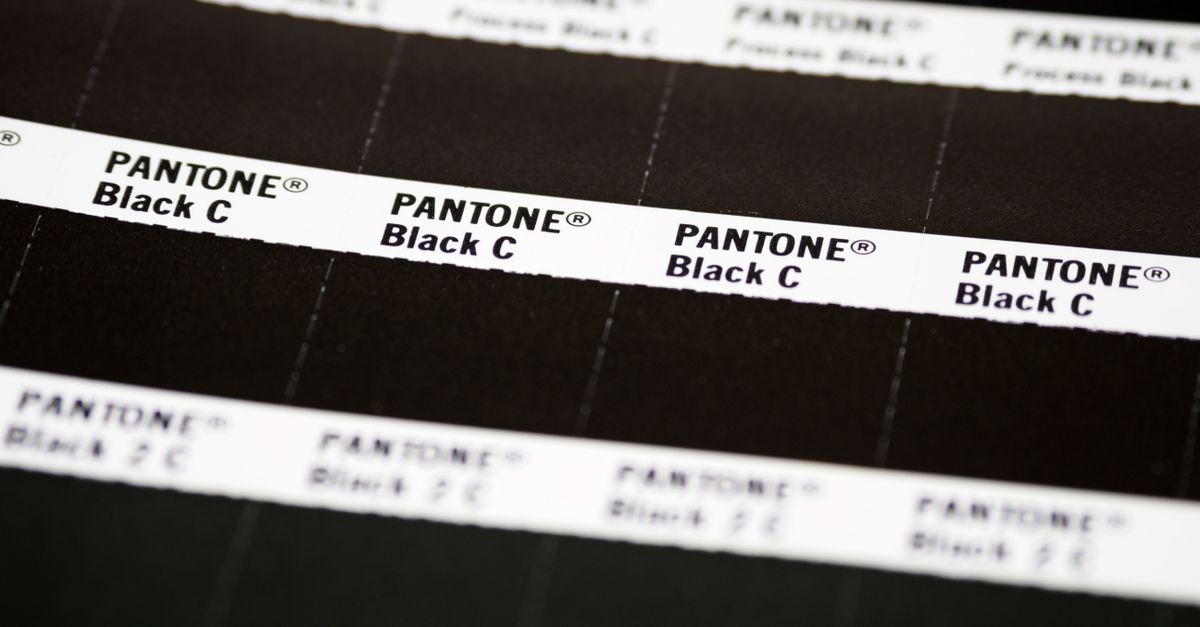
Pantone is a different beast. It is a commercial catalog of pre-mixed spot inks, each assigned a number like Pantone 186 C (a particular red) or Pantone 286 C (a particular blue). Printers use it so a brand's color can be reproduced reliably across packaging, signage, and marketing material. Because Pantone colors are mixed from real pigments, not generated from RGB channels, any matching is a visual approximation rather than a precise calculation.
The takeaway: RGB and HEX describe the same 24-bit space in different notation. Pantone lives outside that space. So "RGB to HEX to Pantone" is shorthand for "clean up my screen color into a HEX, then use that HEX to find the nearest ink."
Step 1 — Convert RGB to HEX in Your Browser
Now the practical part. The RGB To HEX converter handles the RGB ↔ HEX step in either direction, with a live swatch and an HSL readout so you can verify the color visually before you copy it. The exact path through the tool is below.
- Open the RGB To HEX converter in your browser.
- Enter the red, green, and blue channel values, each between 0 and 255. As you type, the matching HEX, RGB, and HSL readouts refresh next to a live swatch so you can confirm the shade.
- If you are going the other way, paste a HEX value such as #3b82f6 — or the shorthand #abc — into the HEX field. The tool expands shorthand automatically (#abc becomes #aabbcc), accepts uppercase or lowercase, and tolerates a missing leading #.
- Read the HEX, RGB, and HSL values from the readout panel next to the swatch.
- Click Copy next to whichever format you need. Output HEX is always normalized to a six-digit lowercase string with zero-padded channels, so a value of 0 renders as 00 rather than a bare digit.
A single worked example to make the math concrete: the popular UI blue is RGB (59, 130, 246). Convert each channel to two-digit hex. 59 decimal is 3B hex (3 × 16 + 11 = 48 + 11 = 59). 130 decimal is 82 hex (8 × 16 + 2 = 128 + 2 = 130). 246 decimal is F6 hex (15 × 16 + 6 = 240 + 6 = 246). Joined with a #, the result is #3b82f6 — and that is exactly what the converter shows next to the swatch when you enter the three channel values.
Step 2 — Take the HEX Toward the Closest Pantone
With a clean HEX in hand, the second half of the workflow begins. Three honest options exist, in roughly descending order of reliability.
The most accurate path is a physical Pantone fan deck. A printed Pantone Coated or Uncoated guide lets you hold the swatch book next to a calibrated monitor rendering of your color and pick the chip that matches by eye. This is what professional print shops do, and it is the only way to confirm a Pantone match for press production.
A reasonable middle ground is a Pantone lookup tool or chart on the web. You paste the HEX, and the tool returns a small set of Pantone numbers ranked by perceptual distance. Treat the top result as a starting point, not a final answer — different lookup tools use different datasets and distance metrics, so the suggested Pantone is always approximate.
The fastest sanity check is to read the HEX back as RGB and look at the color on a calibrated screen. If the HEX is already wrong — for example, a brand blue rendered too purple because the source color was out of gamut — no Pantone lookup will fix it. Always verify the swatch first.
The converter does not, and cannot, output a Pantone number directly, because Pantone is defined outside the 24-bit RGB space the tool operates in. Its job is to give you a trustworthy HEX (and a trustworthy RGB) to feed into whatever Pantone reference you trust.
RGB, HEX, and Pantone at a Glance
Three formats, three different jobs. The table below summarizes how they compare so the role of each in the workflow is obvious at a glance.
| Format | Example | Where it's used | Key property |
|---|---|---|---|
| RGB | rgb(59, 130, 246) | Screen color, image sensors, CSS rgb() syntax | Three integer channels, each 0–255 |
| HEX | #3b82f6 | CSS, HTML, design tools, brand specs | Same 24-bit space as RGB, written in base 16 |
| HSL | hsl(217, 91%, 60%) | CSS, design adjustments, human reasoning | Hue 0–360°, saturation and lightness 0–100% |
| Pantone | Pantone 286 C (approximate) | Print, packaging, brand spot colors | Physical ink, no mathematical link to RGB |
RGB, HEX, and HSL all describe the same 24-bit sRGB color space — they are simply different notations for the same underlying value, which is why the converter can move between them losslessly. Pantone sits outside that space entirely, which is why any Pantone row in real-world lookups is marked approximate.
Why the Converter Also Shows HSL
Alongside HEX and RGB, the tool reports HSL: hue, saturation, and lightness. Hue is the angle around the color wheel (0 to 360°), and saturation and lightness are percentages. HSL describes the exact same color as HEX or RGB, but in a shape humans find easier to reason about.
That matters for the RGB-to-HEX-to-Pantone workflow in two ways. First, if a HEX looks too bright or too gray on screen, you can read its HSL, nudge lightness or saturation, and reconvert — all without touching raw channel numbers. Second, when you take the color to a Pantone reference, having HSL next to the HEX gives the printer or designer a second, more intuitive handle on the color in case they need to talk about it ("more saturated, slightly darker" translates directly into HSL terms).
The readout is computed in the browser from the same RGB channels you typed, so the three formats never disagree.
Workflows That Use the RGB → HEX → Pantone Path
A few real situations where this two-step workflow shows up in practice.
Brand handoff to a printer. A designer finishes a logo in Figma with an RGB spec. The printer needs either a Pantone number for spot color or a HEX that matches an existing brand Pantone. The first conversion is RGB to HEX; the second is HEX to the closest Pantone via the printer's guide.
Marketing assets that have to print and screen the same. A campaign color is approved as a Pantone. The web team pulls the closest sRGB HEX for CSS. The two-step direction runs in reverse (Pantone reference → HEX → RGB sanity check), but the HEX stage is the same: a clean, normalized six-digit value the whole team can use.
Documenting an unknown color. A photo or a piece of UI contains a color someone wants to remember. The RGB comes from a color picker, the HEX from the converter, and the Pantone from a lookup — three views of the same visual, captured for the brand spec.
Limits of the HEX-to-Pantone Step
It is worth being direct about what the converter does and does not do. The RGB To HEX tool operates strictly inside the 24-bit sRGB color space. It does not generate Pantone numbers, and no purely mathematical conversion from HEX to Pantone is possible, because Pantone is a physical ink system defined by pigment recipes, not by RGB channels.
A few related constraints worth knowing:
- Out-of-range channel values (below 0 or above 255, or fractional values) are clamped to the valid 0–255 integer range, so the output is always a usable HEX even if the input is sloppy.
- Malformed HEX inputs (wrong length, illegal characters) are flagged in the UI rather than silently producing a wrong color, which protects you from pasting a corrupted string and copying a bad swatch.
- The conversion runs in JavaScript on your device. Nothing is uploaded, so brand palettes and unreleased colors stay private while you work.
- The closest Pantone for any HEX is always an approximation, because the HEX exists in screen color and the Pantone exists in print ink. Two tools may disagree on the nearest Pantone by a few numbers; the printed swatch book is the only authoritative tie-breaker.
For that last reason, treat the converter as the first half of the workflow — a fast, private way to land on a clean HEX and RGB — and a Pantone fan deck or curated lookup as the second half. The query "rgb to hex to pantone" is really two jobs stitched together, and the tool does the one it can do well.
For a deeper look, see RGB to HSV Shades and Variations: Scale and Controls.
For a deeper look, see Are My Color Values Uploaded When I Convert CMYK to RGB?.