A random color generator produces HEX, RGB, and HSL values drawn uniformly from the full 24-bit RGB space, which spans 16,777,216 possible colors and covers every shade a standard screen can display. Each click generates a brand-new batch with no memory of the last roll, so the colors you see are ones you would rarely reach for on purpose — which is exactly the point. Designers use this kind of tool to escape their default habits, illustrators use it to seed mood boards, and developers use it to assign placeholder swatches to chart series, tag labels, and avatar blocks while real values are still being decided. Every color is shown in the three formats you actually paste into real work, and one click on any swatch or value copies it to your clipboard. The Random Color Generator tool runs entirely in your browser, so nothing is uploaded, nothing is stored, and no account is required. The result is a frictionless way to stumble onto pairings that spark a layout, fill a palette grid, or color a mockup before you commit to a final scheme.
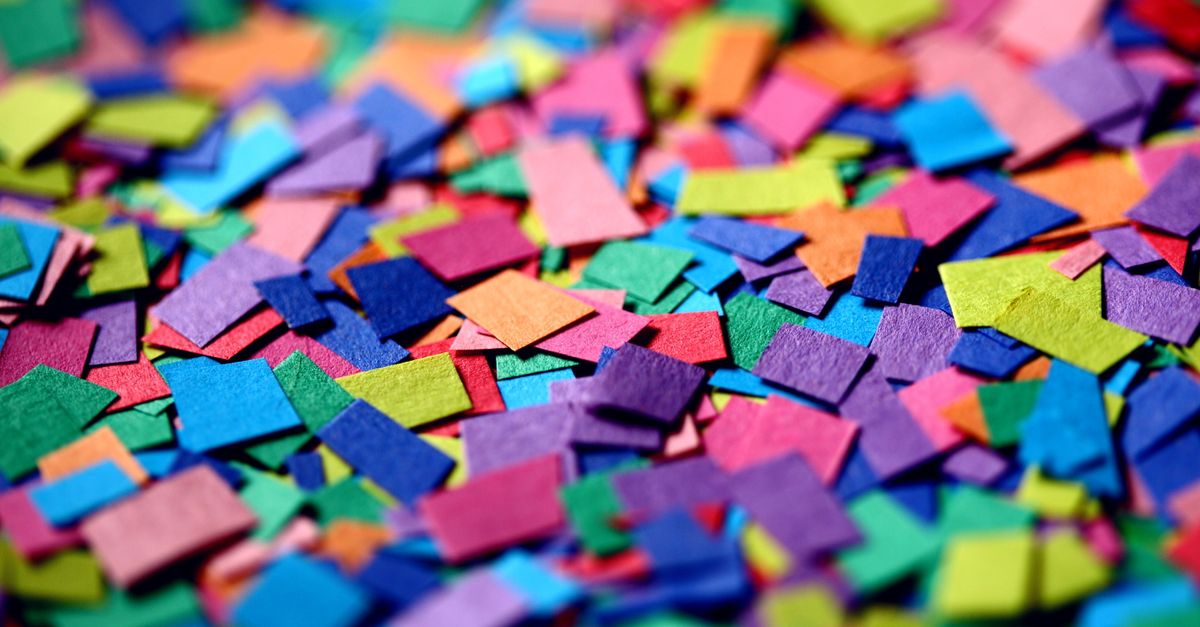
What the Random Color Generator Outputs
A random color generator is a browser-based utility that creates color codes by drawing each red, green, and blue channel independently from 256 levels. The output is shown as three values that describe the same color: a HEX string like #3a9d7f, an RGB triplet like rgb(58, 157, 127), and an HSL reading like hsl(158, 46%, 42%). For image-related design work — mockups, mood boards, illustration thumbnails, hero banners — this means one click gives you a swatch you can paste into Figma, Photoshop, or a CSS file without manually picking through hue wheels. The Random Color Generator runs the whole process locally in your browser, so each batch is fresh, nothing is uploaded, and no account is required. Because colors are sampled from the entire 24-bit RGB space, the swatch you pull is as likely to be a vivid lime as a soft beige — there is no built-in preference for muted or "safe" tones, which is what makes the result useful as a starting point rather than a finished palette.
Why Random HEX Codes Beat Your Default Palette
Every designer carries a handful of "go-to" colors that quietly creep into project after project — the same sage green, the same dusty blue, the same off-white. A random HEX generator breaks that loop because it has no memory of your past picks. The output is sampled uniformly from the full 16,777,216-color RGB space, so the chance of landing on the muted teal you already own is identical to the chance of landing on an electric magenta you have never tried. That unpredictability is the source of its value: it pushes you past settled habits into pairings you would not have chosen deliberately. Front-end developers lean on the same property to seed placeholder UI — chart series, tag labels, avatar backgrounds, status pills — that need to look distinct long before real data values exist. The randomness is not a bug; it is the feature that makes the tool useful as a creative prompt rather than a color picker.
How to Generate Random HEX, RGB, and HSL Codes
- Open the Random Color Generator and set how many colors you want in the count field. The tool accepts anything from 1 to 100, so you can pull a single swatch for a quick contrast test or a full batch for a palette study.
- Click Generate. A new set of colors appears instantly, each one drawn from the full 24-bit RGB space — all 16,777,216 possible combinations are on the table, so repeats between runs are vanishingly rare.
- Click any swatch to copy its HEX value (#rrggbb). HEX is the format CSS, Figma, Sketch, and most design tools expect, so it is the most common paste target.
- Click the RGB or HSL value beneath the swatch to copy that format instead. RGB uses a 0–255 scale per channel, which is how screens physically mix light. HSL breaks the color into hue, saturation, and lightness — the easiest format to nudge into something usable without re-picking from scratch.
- Re-roll the batch as many times as you like. Each Generate click is independent, so there is no penalty for refreshing until a set feels right. If you want to push one of the swatches into a coordinated scheme, drop the HEX into a palette tool next.
HEX vs RGB vs HSL: When to Copy Which Format
| Format | Example | Best used for |
|---|---|---|
| HEX | #3a9d7f | CSS files, Figma, Sketch, Tailwind config, design tokens |
| RGB | rgb(58, 157, 127) | Image editors, canvas rendering, programmatic color math |
| HSL | hsl(158, 46%, 42%) | Tweaking hue, saturation, lightness; building themes; accessible variants |
All three rows describe the same color — only the notation changes. Pick the format that matches where you are pasting. HEX is the safest default for front-end and design-tool input fields. RGB is what image editors, the HTML5 canvas API, and most pixel-level operations expose natively. HSL reads the way humans describe color, so it is the cleanest format when you want to shift a random result toward a deliberate shade — push the lightness up to soften it, lower saturation to mute it, or rotate the hue to move it into a different family entirely.
Practical Uses for Random Colors in Image and UI Work
Beyond inspiration, random colors are a working utility across several roles. Front-end and data-visualization developers use them for throwaway chart series, tag labels, avatar blocks, and placeholder UI while real values are still being decided. QA and test engineers seed fixtures and mock data with random HEX values so a single bug is not tied to one fixed color. Game and web developers use them to color procedurally generated tiles, particle effects, or debug overlays without hand-picking a palette. Teachers and students use the generator to show how the RGB and HSL models map to what the eye actually sees on screen — a quick way to demonstrate that shifting the lightness slider moves a color toward black or white without changing its hue. If you want a coordinated set instead of pure randomness, the Color Palette Generator builds complementary, analogous, and triadic schemes from a base color, which is the natural next step after a random pick sparks an idea.
Accessibility: Always Check Contrast Before Shipping
Random colors are not guaranteed to be accessible. WCAG defines minimum contrast ratios for text and UI components — 4.5:1 for normal body text and 3:1 for large text and graphical elements per WCAG 2.2 — and a random HEX has roughly the same odds of clearing those thresholds against any given background as of failing them. If a color will carry text, mark up an icon, or signal meaning, paste the HEX and its background into the Color Contrast Checker before you ship. Random colors are perfect for inspiration, placeholder UI, and mood-board work; for anything user-facing, contrast is a separate decision that needs its own check. Treat the generator as a source of ideas, and treat contrast as a gate the idea must pass before it goes live.
Related reading: Random Color Generator on Android: Skip the App Install.
Related reading: Compare CSS Triangle Approaches and Pick the Right Method.