The web safe colors chart shows a fixed 216-color cube built from six evenly spaced channel levels (0, 51, 102, 153, 204, 255), and choosing the right approach means matching your goal — browsing for inspiration, copying a known swatch, or snapping an arbitrary HEX into the cube — to one of three tool modes rather than treating the chart as a one-size-fits-all lookup. Picking the wrong mode wastes time: designers scanning for a palette need the browse grid, developers rebuilding an old color need the copy helper, and anyone porting a modern HEX into the legacy palette needs the matcher. Modern browsers and displays render millions or billions of colors, so the chart is no longer a compatibility requirement for ordinary CSS; it survives as a transparent reference, a teaching aid, and a self-imposed constraint for retro or low-color projects. Start by naming what you actually need the chart for, and the right entry point becomes obvious.
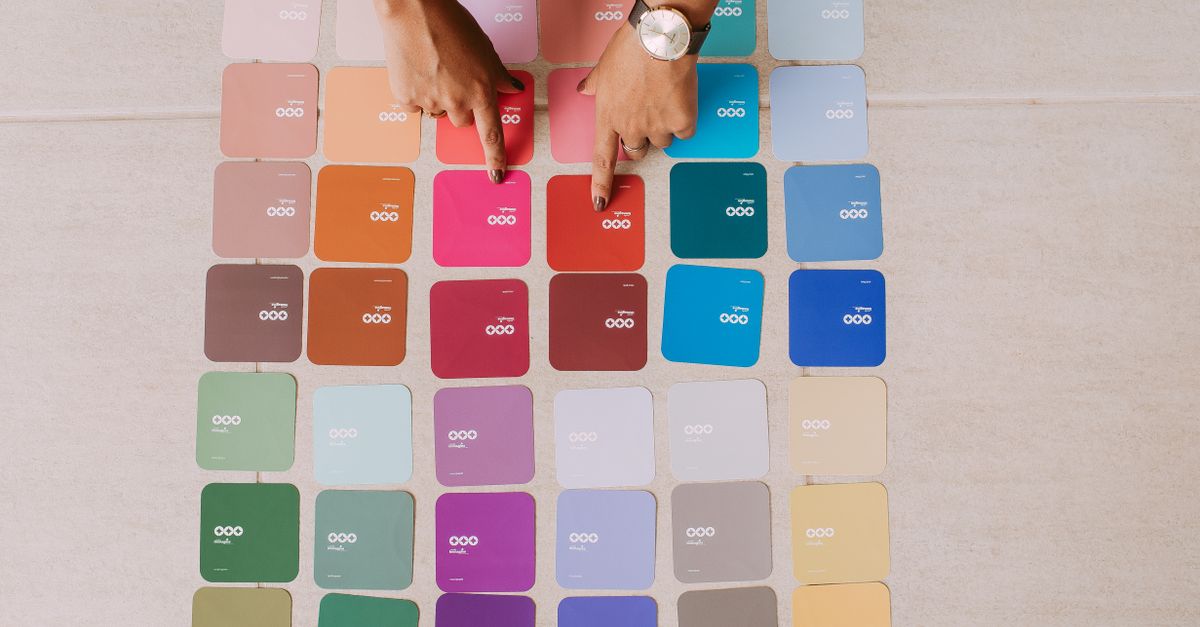
What the 216-color web-safe cube actually is
The cube is a closed set of RGB triples. Each channel (red, green, blue) is restricted to exactly six values, chosen independently:
| Decimal | Hexadecimal |
|---|---|
| 0 | 00 |
| 51 | 33 |
| 102 | 66 |
| 153 | 99 |
| 204 | CC |
| 255 | FF |
Six choices independently across three channels gives 6 × 6 × 6 = 216 unique colors, which the chart renders as a deterministic grid in red-major, green-middle, blue-minor order. W3C's Introduction to CSS documents these six evenly spaced levels, and a W3C Web Accessibility Initiative example independently uses a 216-choice color picker as a teaching sample. The historical reason for the constraint was display compatibility: when many systems could only show 256 indexed colors at once, sharing a 216-color cube reduced the chance that a browser would dither a page color into a speckled approximation. The chart's source data is checked for exactly 216 entries, unique HEX values, and channel membership in the six allowed levels before the table is published.
Three workflow modes for the chart
The chart exposes one grid with three jobs. Deciding which mode fits your task is the core of "choosing the right approach," because each mode answers a different question and returns a different kind of result.
| Mode | Trigger | What it gives you | Best for |
|---|---|---|---|
| Browse the grid | No color in mind yet | Visual swatch plus the full six-digit HEX on click | Inspiration, palette study, teaching hex channels |
| Copy a swatch | Know the swatch you want | The full six-digit HEX with copy support | Reproducing an older design, exact value reuse |
| Snap to nearest cube | Hold an arbitrary three- or six-digit HEX | Nearest cube entry by per-channel rounding | Mapping a modern CSS color into the legacy palette |
Each row also implies a different depth of reading. Browsing asks you to look at the screen. Copying assumes you already know which row, column, or row-and-column intersection you want. Matching assumes you already hold the source color in some other format and want to translate it into the cube. Mixing these modes — scanning the grid at the same time as typing into the matcher, for example — usually costs more time than picking one mode and finishing that mode's job.
Choosing the right approach for your situation
Start by answering one question: do I have a starting color, or do I need one? If you have nothing, open the browse grid first. The cube's structure rewards systematic exploration — sweeping one channel while keeping two fixed shows how the color shifts in pure RGB terms, which doubles as a clean way to teach hex channels to students. If you have a target swatch from a screenshot, an old stylesheet, or a brand sheet, scan the grid until you find it visually and click it once to confirm the value. If you already hold a HEX from a modern design tool and just want it expressed in cube terms, skip the grid entirely and jump to the matcher.
The cube itself is not a palette generator. It does not suggest complementary, analogous, triadic, or split-complementary relationships, because every one of its 216 entries sits at a corner of a regular RGB lattice rather than at a hue-derived position. When the task is palette math from a chosen base color, the Color Palette Generator derives those harmonies from an arbitrary HEX input. The web-safe chart is closer to a controlled palette of exactly 216 named positions plus a nearest-color shorthand, and treating it as a generic palette tool tends to produce flat, evenly stepped results that look mechanical in real UI work.
How to snap a HEX to the nearest cube entry
The matcher is the mode most readers underestimate, because the per-channel rounding is simple enough that you can do it on paper. Open the Web Safe Colors Chart, enter a three-digit or six-digit HEX in the input field, and select Find match. The chart expands a shorthand value such as #abc into #aabbcc using normal CSS shorthand rules before matching, then snaps each 8-bit channel independently to the closest of the six allowed levels: 0, 51, 102, 153, 204, or 255. The recombined result appears in the larger result area, where the accessible label always contains the full six-digit HEX plus an RGB triplet, regardless of how the dense grid's compact three-character hint was rendered.
- Open the chart at /color/web-safe-colors/ and locate the input field.
- Enter your three-digit or six-digit HEX.
- Select Find match.
- Read the snapped entry in the larger result area; the full six-digit HEX is shown even if your input was three digits.
- Click the result swatch to copy the HEX, or select the visible code manually if browser permissions block clipboard access.
Worked example. Mapping #3470d0 into the cube:
- Red channel: 0x34 = 52 decimal. The two adjacent allowed levels are 51 (distance 1) and 102 (distance 50). Round to 51.
- Green channel: 0x70 = 112 decimal. Adjacent levels are 102 (distance 10) and 153 (distance 41). Round to 102.
- Blue channel: 0xd0 = 208 decimal. Adjacent levels are 204 (distance 4) and 255 (distance 47). Round to 204.
- Recombine: 51, 102, 204 → hex 33, 66, CC → #3366CC.
Because every channel rounds independently, the rule reduces to "compare against the two neighbors, never against the full six" — which is what makes the result easy to audit by hand. This construction is equivalent to nearest distance in the ordinary unweighted RGB cube because the axes are independent and evenly spaced, but it is not a perceptual color-difference calculation.
Limits to keep in mind when picking colors
The cube is built on Euclidean per-channel rounding, not on a perceptual color model. Gamma-encoded sRGB is not perceptually uniform, so the mathematically nearest swatch can differ from the visually closest one, especially in the saturated mid-tones where human eyes are most sensitive to small changes. Specialist workflows compare colors in Lab or OKLCH, account for an ICC profile, or optimize a palette across an entire image; the chart intentionally keeps the legacy palette's simple construction visible and does none of that. For a fuller list of misuses — treating the cube as a brand palette or a contrast guarantee, for example — the Web Safe Colors Tips and Common Mistakes to Avoid guide walks through them in more detail.
The "web-safe" label is also a historical name, not a quality claim. Nothing in the 216-choice palette guarantees text readability, accessible contrast, predictable CMYK conversion, brand-grade print reproduction, or consistency on a calibrated display. Modern computers, phones, and browsers support millions or billions of displayable color combinations, so the chart is no longer required for ordinary website styling. It remains useful for studying quantized RGB cubes, choosing a deliberately constrained retro palette, building low-color artwork, teaching hexadecimal channels, or reproducing an older design. Use it as a transparent reference and copy aid while keeping its dated compatibility purpose explicit.
What to do once you have a swatch
Picking a cube entry is the start of the workflow, not the end. Contrast depends on both the foreground and background, on the chosen font size and weight, and on the accessibility criterion you apply, so treat the chart as a palette decision and the next tool as a legibility decision. Run your chosen swatch against a real text-and-background pair through the Color Contrast Checker to confirm WCAG AA or AAA compliance rather than trusting a famous historical palette to be readable.
Two practical carryovers from the chart matter in the next step. First, clipboard access can be denied by browser permissions; when that happens, the visible code on the chart remains available for manual selection, and you can paste the six-digit HEX into whichever contrast tool or stylesheet you are using. Second, each swatch displays a shortened three-character hint in the dense grid to keep 216 entries legible, while its accessible label and title contain the complete six-digit value and RGB triplet — so screen readers and copying tools get the long form, even though sighted readers see the short form. Carrying the full six-digit HEX forward (instead of the hint) is what keeps subsequent CSS and contrast checks accurate.
Finally, do not restrict a modern brand or data visualization to these 216 choices unless the creative brief calls for that constraint. The chart excels at transparency and reproducibility, not at covering every color a current product needs. Pair it with a modern color tool when the constraint is creative, and pair it with a contrast tool when the constraint is accessibility.