A periodic table example arranges all 118 confirmed elements from hydrogen (H) to oganesson (Og) in a standard 18-column, seven-period grid, with the lanthanide and actinide series shown in two rows below the main body.
Each tile identifies one element and gives its atomic number, symbol, name, standard atomic weight, and category. The Interactive Periodic Table lets you browse those tiles, open a complete element record, search by name, symbol, or atomic number, and highlight whole chemical families.
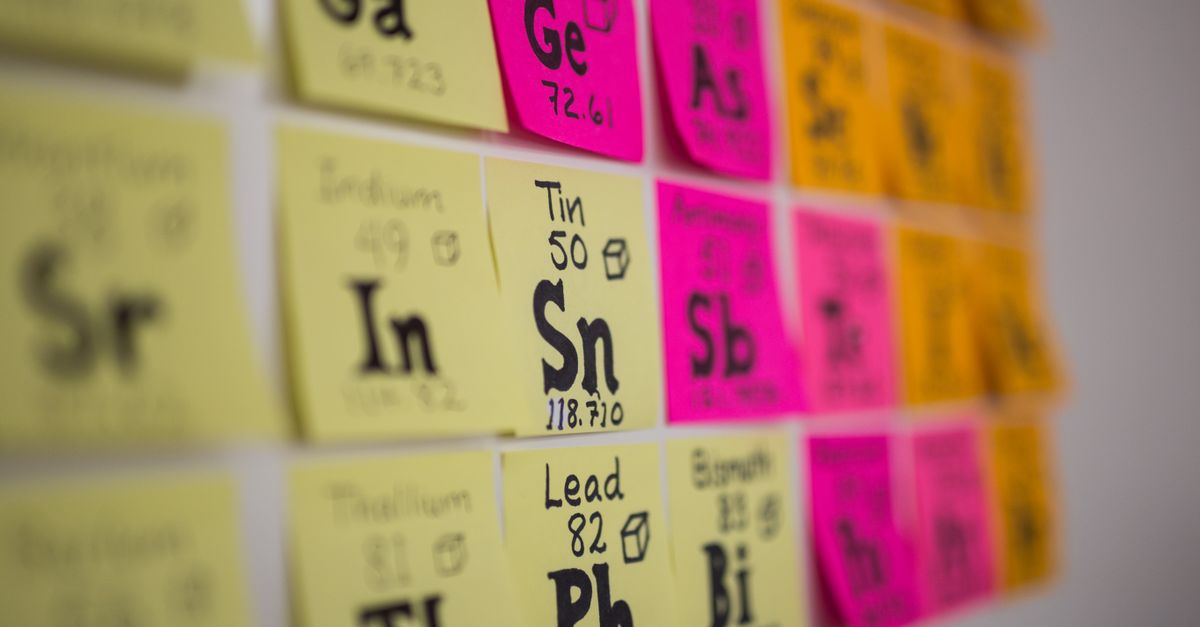
A Text Example of Four Element Tiles
A useful periodic table example should show more than a list of symbols. The table below is a text-only sample of four element records taken from the larger 118-element grid. It demonstrates how identity data, weight, category, and position work together.
| Element | Atomic number | Symbol | Weight shown | Category | Period | Group | Block |
|---|---|---|---|---|---|---|---|
| Carbon | 6 | C | 12.011 | Reactive nonmetals | 2 | 14 | p |
| Iron | 26 | Fe | 55.845 | Transition metals | 4 | 8 | d |
| Gold | 79 | Au | 196.97 | Transition metals | 6 | 11 | d |
| Oganesson | 118 | Og | [294] | Noble gases | 7 | 18 | p |
Carbon shows a conventional standard atomic weight, while oganesson has a value in square brackets. Iron and gold both belong to the transition metals, but their different positions identify different periods and groups, while both share the d-block classification. This makes a single tile useful for identification, classification, and checking a value used elsewhere.
Find Iron and Open Its Full Record
This workflow turns an ordinary element name into a complete, checkable periodic table example.
- Open the table. Launch the Interactive Periodic Table and view the full grid of 118 elements. Every cell displays an atomic number, symbol, name, and standard atomic weight.
- Search for the element. Type iron in the search box. The same lookup can use the symbol Fe or the atomic number 26.
- Locate the highlighted tile. The matching iron cell lights up while the other cells dim. The unmatched elements remain visible, allowing you to keep the table’s overall structure in view.
- Open the detailed record. Click or tap the highlighted Fe tile. A detail panel displays its atomic number, symbol, atomic weight, category, period, group, and electron block.
- Read the iron values. The record identifies iron as atomic number 26, symbol Fe, standard atomic weight 55.845, a transition metal in period 4 and group 8, with a d-block classification.
- Use the legend when starting with a family. Click transition metals in the legend to highlight that category and dim the rest, then select Fe to open the same detail record.
The search and legend controls highlight matches rather than opening a record automatically. Clicking the selected element is the step that reveals all supported detail fields.
What Each Part of an Element Tile Means
Reading a periodic table becomes easier once each label has a distinct purpose.
- Atomic number: This is the element’s unique identifying number and its position in the ordered sequence. Iron has atomic number 26; oganesson closes the sequence at 118.
- Symbol: The one- or two-letter chemical symbol provides a compact identifier used in formulas and technical material. Iron uses Fe, while tungsten uses W.
- Name: The full name makes the tile understandable without requiring knowledge of its symbol.
- Standard atomic weight: This reference value is shown for elements with a naturally occurring characteristic isotopic composition. Certain radioactive elements instead display a bracketed isotope mass number.
- Category and colour: The colours divide the table into ten families: alkali metals, alkaline earth metals, transition metals, post-transition metals, metalloids, reactive nonmetals, halogens, noble gases, lanthanides, and actinides.
- Period, group, and electron block: The period identifies the element’s row, the group identifies its column, and the block records whether its distinguishing electrons occupy an s, p, d, or f subshell.
A table’s position also gives useful context: a group can hint at valence-electron patterns and chemical behaviour, while a period indicates which electron shells are being filled. For a separate visual explanation of those positions, see how to read groups, periods, and values in a periodic table chart.
Choose the Right Lookup Method
The table supports several ways to move from a question to the correct element. Choose the method that matches whether you know the element, its family, or simply want to survey the grid.
| Method | Input or action | What happens | Best suited for |
|---|---|---|---|
| Browse the grid | Move through the cells visually | All 118 elements remain visible with colour-coded categories | Learning the layout or spotting broad patterns |
| Search | Enter a name, symbol, or atomic number | Matching elements are highlighted and the rest are dimmed | Finding one known element quickly |
| Category legend | Click one of the ten category labels | That family is highlighted while other elements are dimmed | Comparing a family or studying category trends |
| Element details | Click or tap an element tile | The full record opens in a detail panel | Recording identity, weight, period, group, and block |
Search is most efficient when you have a name, symbol, or number. The legend is more useful when your starting point is a property such as “halogen” or “transition metal.” In both cases, the result is a highlighted region of the same table, not a separate list that removes the surrounding context.
Read Standard Weights and Bracketed Values
The table uses IUPAC 2021 abridged standard atomic weights from the Commission on Isotopic Abundances and Atomic Weights. Values such as carbon’s 12.011, iron’s 55.845, gold’s 196.97, thorium’s 232.04, and uranium’s 238.03 are conventional standard atomic weights for elements with characteristic natural isotopic compositions.
- Plain value: A number such as 12.011 should be recorded as the displayed standard atomic weight.
- Bracketed value: A number such as [97] or [294] is the mass number of the element’s most stable, or longest-lived, isotope—not a measured standard atomic weight.
- Affected elements: The table follows the bracketed convention for technetium, promethium, and every element from polonium, atomic number 84, upward, including the superheavy synthetic elements.
Keeping the brackets is important when copying a value. Writing Og [294] preserves the distinction, whereas presenting 294 without brackets can incorrectly imply that it is a conventional atomic weight.
Turn a Lookup into a Reusable Example
For notes, a lesson, or a technical reference, record an element consistently instead of copying only part of its tile.
- Name the element and include its symbol, such as iron and Fe.
- Add the atomic number as the unique identifier.
- State the category, period, group, and electron block separately.
- Label the displayed value as a standard atomic weight or a bracketed isotope mass number.
- Record the lookup method used, especially when the starting point was a category filter.
This complete format works for students learning chemistry, teachers preparing reference material, and readers checking an element mentioned in a paper or materials specification. It is also useful when preparing an atomic-weight value for a separate stoichiometry or molar-mass calculation.
The supported workflow is a reference and lookup tool: it ends with browsing, highlighting, and reading element records. It does not calculate molar masses, balance chemical equations, or analyse isotope decay, so any calculation must be performed separately with the correctly labelled value. The table itself runs locally in the browser, requires no installation, and needs no sign-in.