A rounding bottom is a long, U-shaped bullish reversal pattern on a price chart in which a downtrend gradually slows, flattens, and finally turns upward over weeks or months, producing a saucer-like curve before price breaks above its prior swing high. Traders look for that slow curvature because it suggests selling pressure has been absorbed quietly rather than reversing on a single sharp candle. Once the curve is drawn, the practical side of the trade is just numbers: where the swing high sits to the cent, what breakout percentage filter you apply, and whether the alert you receive matches the threshold you typed into the screener. Each of those values is a decimal that has to round somewhere, and the rule that decides the rounding can change the breakout price by a tick or by a dollar. That is why an exact-decimal rounding tool — not a quick mental shortcut or a generic spreadsheet formula — pays off before a rounding bottom trade is taken.
How a Rounding Bottom Builds on the Chart
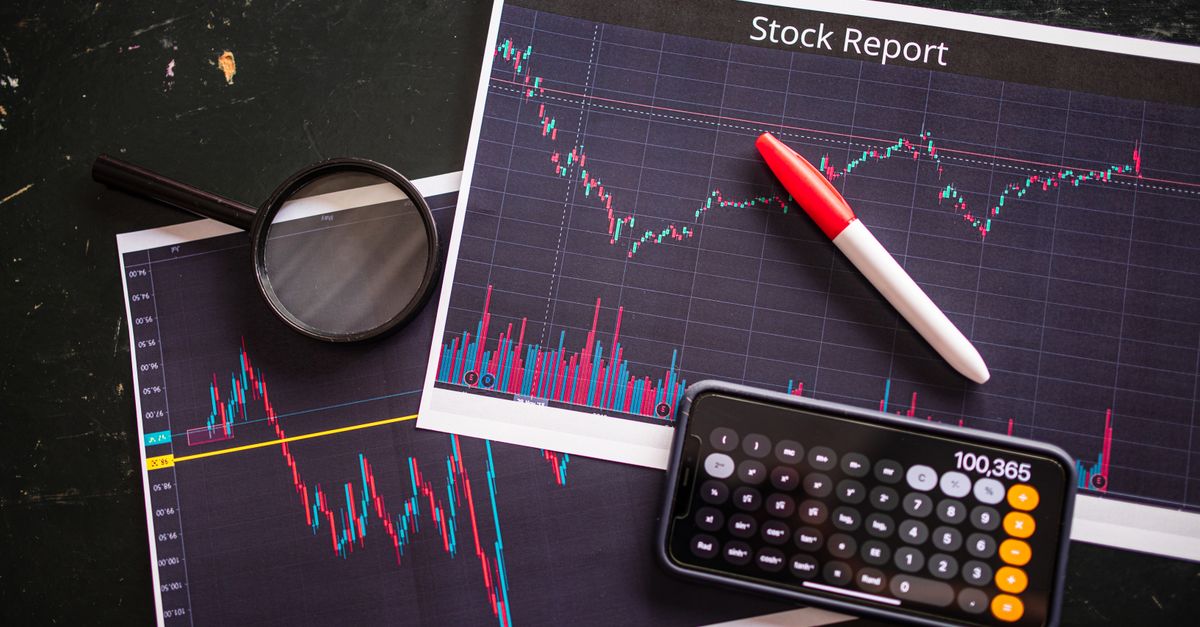
The pattern earns its name from the shape price leaves on the chart. A downtrend that has run for weeks or months begins to lose its sharp, stair-step feel. Sell-side volume dries up, daily ranges shrink, and closes cluster closer to opens. Lower lows stop appearing, and the chart starts to look like the bottom of a saucer rather than the corner of a V. Eventually, price begins to lift on quiet up-days and small green candles, with swing highs tightening near a curved support line.
The signal to act arrives when price closes above the most recent swing high on that curve. A clean break — sustained, on heavier volume, and away from obvious overhead supply — is what turns a chart shape into a trade. Everything that comes before that break is qualitative chart reading; everything that comes after is arithmetic, and the arithmetic starts with the exact decimals you typed into your screener and the exact decimals your alert system sends back.
Where Decimal Numbers Enter the Rounding Bottom Trade
Three numbers anchor every rounding bottom trade, and each one is a decimal that gets rounded by some rule:
- Swing-high price. The level price has to clear is usually carried to two, three, or four decimal places depending on the market. A round number like 42.50 is simple, but 42.475 or 42.50125 forces a rounding decision.
- Percentage filter. Many screeners require a breakout that closes a stated percent above the reference high. A filter written as 1.00% versus 1.005% can trigger or skip the same stock, depending on how the filter rounds its own internal math.
- Alert format. Broker and platform alerts often display prices to two decimal places even when the underlying calculation uses more. The alert you receive may already have been rounded once before it reaches you.
Each of those three values passed through at least one rounding step. If the steps disagree, your screener, your alert, and your notebook can show three different prices for the same moment in the same stock. Finding rounding bottom stocks well is partly about controlling which rule is applied at which step, and a single shared rounding mode is usually easier to defend than a chain of mixed defaults.
The Five Rounding Modes and Why They Differ
The Rounding Calculator exposes five named modes so you can match whatever rule your platform, exchange, or accounting policy actually uses:
- Half up rounds to the nearest result and sends an exact halfway case away from zero. With half up, 1.235 becomes 1.24 at two places, and -1.235 becomes -1.24.
- Half even also rounds to the nearest result, but an exact tie chooses the value whose last retained digit is even, so 2.5 becomes 2 while 3.5 becomes 4 at zero places. Half even is the common "banker's rounding" choice that reduces an upward bias when many ties are summed.
- Floor moves toward negative infinity regardless of sign, so -1.21 becomes -2 at zero places while 1.21 becomes 1.
- Ceiling moves toward positive infinity, so -1.21 becomes -1 at zero places while 1.21 becomes 2.
- Truncate simply drops the discarded digits, which moves a nonzero value toward zero and so agrees with floor only for positive numbers; -1.99 becomes -1 under truncate but -2 under floor.
Worked example with half up at two places: take 1.005 as input. The digits after the decimal are read directly as 005; the discarded 5 is an exact tie; the half-up rule sends ties away from zero, so the retained "00" increments to "01"; the result is 1.01. A binary-float shortcut often returns 1.00 instead because 1.005 has no exact binary representation, which is the kind of gap that disappears if you do the comparison with text rather than with an in-place multiply-and-round.
The labels next to each mode in the calculator state the direction explicitly, which matters because floor and truncate are routinely confused on negative values. Treating truncate as another name for floor is the mistake that can change a breakout price for a stock whose swing high sits just below zero.
Set the Breakout Decimal With the Rounding Calculator
These steps turn any candidate breakout level into the exact decimal format your screener expects:
- Type the plain decimal into the input. No commas, no scientific notation, no currency symbol. If your workbook shows 1,000.5 or 1e3, expand and clean it first to 1000.5.
- Choose a decimal-place count between 0 and 20. Two places is standard for equities priced in dollars; four or five places is common for forex or for crypto pairs your platform quotes in fractional units.
- Select the rounding mode that matches your platform. If you do not know which rule your screener uses, half up is the most common default for U.S. equities; ask before assuming.
- Select Round number. The result appears with the requested number of decimal places, including trailing zeroes so that 1000.00 is visibly different from 1000.
- Copy the result, paste it into your screener or your trade-thesis note, and compare it against the level your broker alerts at. A difference here is often the only signal that two systems are using a different named mode.
All of this happens in the browser, and the number you type is not uploaded, which keeps one-off checks off your data pipeline. For a sequence of calculations on the same stock, keep full precision through the intermediate steps and round only at the stage dictated by your method. Repeatedly rounding intermediate values can move the final breakout level by more than the tick size, which is why the calculator intentionally exposes the trailing zeroes; they encode the precision you asked for, not a substitution for the precision of the source value.
Comparing the Modes for Price-Level Thresholds
The same swing-high decimal will produce a different breakout level under each mode. The table below summarizes the direction of each rule and the value the calculator returns for two reference inputs that pin down the differences clearly.
| Mode | Round direction | Example: 2.5 at 0 places | Example: -1.235 at 2 places |
|---|---|---|---|
| Half up | Nearest; ties away from zero | 3 | -1.24 |
| Half even | Nearest; ties to even last digit | 2 | -1.24 |
| Floor | Toward negative infinity | 2 | -1.24 |
| Ceiling | Toward positive infinity | 3 | -1.23 |
| Truncate | Toward zero | 2 | -1.23 |
The two example columns are chosen to show both an exact positive tie (2.5) and a negative value where the discarded digit crosses the decimal point (-1.235). Together they expose every named rule. If your screen shows a different number for the same input and mode, repeat with the value one digit higher or lower on each side of the tie; the mismatch usually traces back to a different named mode, to binary-float representation, or to rounding at an earlier stage of the calculation.
Verify the Same Value Across Screeners and Alerts
The fastest way to confirm two platforms are talking about the same stock is to round the same input under the same rule and compare. Pick a candidate swing high, type it into the calculator with the decimal count your screener expects, and select the mode your broker documents. Then take the value your alert actually sent you and run it the same way. If the two rounded values agree to the last retained digit, your screen and your alert are using the same step and the same precision. If they disagree by one unit in the last place, walk each side of a tie through the calculator and the rule usually becomes obvious within a minute.
A second useful check is to keep rounding out of the middle of a working calculation. The calculator preserves trailing zeroes when you ask for more precision than the input offers, so 1000.00 is a deliberate answer about precision rather than a stripped display value. Use the same number of places your downstream check expects; mixing precisions is a quiet way to introduce a one-tick error that never shows up until the breakout.
Limits of the Calculator and What It Does Not Do
Knowing what a tool does not do is part of using it correctly. The Rounding Calculator accepts at most 200 digits and at most 20 requested decimal places, which covers ordinary precision checks while keeping very large pasted inputs responsive. Thousands separators and scientific notation are deliberately rejected rather than interpreted silently, so 1,000.5 must be entered as 1000.5 and 1e3 must be expanded first; the methodology follows the published Unicode and ICU definitions for each named mode, including their direction on negative values.
The calculator handles decimal places only. It does not parse currencies, apply cash-rounding increments such as 0.05, convert fractions, propagate measurement uncertainty, choose a tax rule, or guarantee compliance with any external policy. Decimal places are positions after the decimal point, while significant figures count meaningful digits from the first nonzero digit; rounding changes presentation and may change a value, but it does not establish how many digits are genuinely significant. Follow the rule your own organization or standard requires — the calculator gives you five named modes and the exact-decimal text to feed each one, not a policy for any of them.