The cube root of a number x is the value y that satisfies y³ = x — for example, ∛27 = 3 because 3 × 3 × 3 = 27. A normal calculator has no cube root button, so you cannot type ∛x into a basic handheld or phone calculator the way you would enter a square root; most basic calculators either ignore the request, return an error, or simply round the square root button's output and quietly give you the wrong number. That is exactly the gap the Cube Root Calculator fills: type any number — a positive, a negative like -27, a decimal, or something in scientific notation like 1.2e6 — and it returns ∛x the instant you stop typing. It then prints a check line showing (∛x)³ = x, so you can confirm the answer without reaching for a scientific calculator at all.
Why a normal calculator can't find a cube root
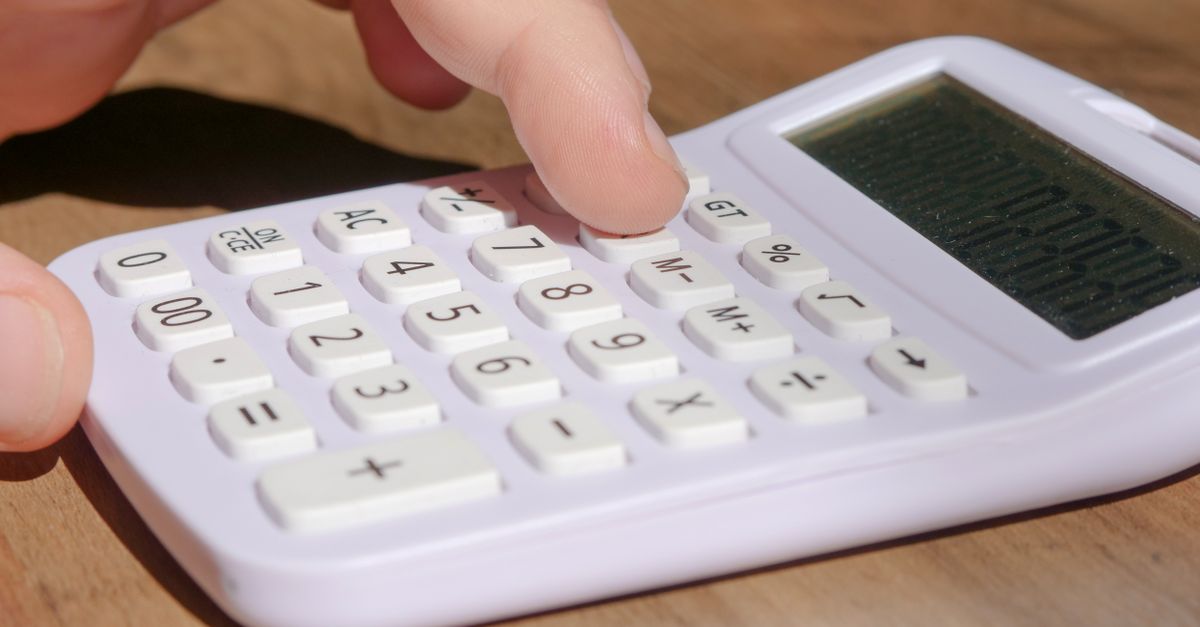
Most consumer calculators sold for school, office, or everyday money math are basic four-function or "standard" models. They have a square root key (√) but no cube root key (∛), and the keys they do have — +, −, ×, ÷, %, and √ — cannot be combined to reach a cube root. On a normal calculator you can square a number (3, then x²) and you can take a square root (3, then √) but there is no built-in shortcut for the inverse of cubing.
Even if you tried to chain operations to mimic a cube root — say, raising a number to the power 1/3 — basic calculators typically cannot enter fractional exponents. The exponent key, where it exists, expects a positive whole number, so 64^⅓ is not something the device will accept. That leaves users with two bad options: hunting for a scientific calculator, or pressing √ repeatedly as an approximation, which converges slowly and never reaches the exact answer.
There is a second, less obvious problem with normal calculators and cube roots: negative numbers. A square root of a negative has no real value, which is why most basic calculators show "Error" for √-9. A cube root of a negative is perfectly real — ∛-27 = -3 — but many basic calculators treat the √ key as a generic root key and either error out or strip the sign, leaving you with 3 instead of -3. A reliable online tool that is sign-aware fixes both problems at once.
How to find a cube root with this calculator
- Open the Cube Root Calculator in your browser.
- Click inside the input box and type any number. Whole numbers like 1728, decimals like 12.5, negatives like -64, and scientific notation like 1.2e6 are all accepted.
- Read the ∛x result as you type — there is no button to press, no equals key, and no need to clear the screen first.
- Glance at the built-in check line directly below the answer, which cubes the result back to your original number and prints (∛x)³ = x. If your input was 1000, the line will read 10³ = 1000.
- For negative inputs, confirm that the result carries the minus sign. Entering -27 should produce ∛-27 = -3 with a check line of (-3)³ = -27.
- If your input is a perfect cube such as 64, 216, or 1331, the calculator shows the exact integer — 4, 6, or 11 — rather than a rounded decimal.
- For inputs that are not perfect cubes, the result is shown as a decimal to full working precision, so ∛50 appears as about 3.68 rather than the rough "between 3 and 4" guess you would get by hand.
Reading the (∛x)³ = x check line
The check line sits right under the answer and exists for one reason: trust. If the tool tells you ∛1728 = 12, the line immediately below it shows 12³ = 1728, and you can verify the multiplication in your head or with any calculator. When the result is a long decimal, the check line is even more useful — for example, entering 50 produces a cube root of about 3.68 with the line reading 3.68³ ≈ 50, confirming the answer rather than asking you to take the tool's word for it.
The check works for negative inputs too. Because cubing preserves sign — a negative times a negative times a negative is negative — the tool uses a sign-aware method rather than pretending negatives are errors. Type -8 and the answer reads ∛-8 = -2 with the verification (-2)³ = -8 written beneath. If you ever used a normal calculator that returned 2 for ∛-8 instead of -2, the check line is the visible proof that the sign matters.
Perfect cubes at a glance
A perfect cube is an integer that can be written as n³ for some whole number n, which makes its cube root a clean integer instead of a long decimal. The Cube Root Calculator recognizes these cases and prints the exact whole number, so you do not have to round mentally or wonder whether the trailing digits are noise. The first ten positive perfect cubes are:
| n | n³ | ∛(n³) |
|---|---|---|
| 1 | 1 | 1 |
| 2 | 8 | 2 |
| 3 | 27 | 3 |
| 4 | 64 | 4 |
| 5 | 125 | 5 |
| 6 | 216 | 6 |
| 7 | 343 | 7 |
| 8 | 512 | 8 |
| 9 | 729 | 9 |
| 10 | 1000 | 10 |
If your input is not on this list, the calculator still handles it — it just returns a decimal rather than a whole number. ∛2 comes out as about 1.2599, ∛50 as about 3.68, and so on. The table above is a quick sanity check: spot your number in the n³ column and you have your answer without doing any arithmetic.
Cube root vs square root: the sign rule
The single most common mistake people make with cube roots is treating them like square roots, and the reason a normal calculator often "errors" on a cube root input is that it is doing exactly this — applying the square root rule to the wrong operation. A square root reverses squaring (y² = x) and only exists as a real number when x is zero or positive. The square root of -9 is not a real number; it is the imaginary number 3i, which is why basic calculators display an error for √-9.
A cube root reverses cubing (y³ = x), and cubing preserves sign. Multiplying three negatives together gives a negative, so every real number — positive, negative, or zero — has exactly one real cube root. ∛-8 = -2 because (-2) × (-2) × (-2) = -8. ∛-27 = -3. ∛0 = 0. There is no imaginary case to worry about and no domain restriction to memorize.
The Cube Root Calculator's sign-aware method is what lets it correctly return -3 for -27 where a normal calculator would either error out or, worse, silently drop the sign and show 3. When you need the cube root of a negative, this is the difference between a correct answer and an answer that is wrong by a factor of -1.
Where a cube root actually shows up
Cube roots are not just a textbook exercise — they show up anywhere a cubing operation needs to be reversed. The most familiar example is geometry: if you know the volume of a cube and need its edge length, you take the cube root of the volume. A cube with volume 27 cubic units has an edge of ∛27 = 3 units; a cube with volume 216 cubic units has an edge of ∛216 = 6. The same logic extends to any problem where a quantity scales with the cube of a linear dimension.
In physics and engineering, scaling laws frequently involve cube roots. Doubling the radius of a sphere multiplies its volume by 8, so going from a target volume back to a radius requires ∛V. Material density, fluid flow rates, and many heat-transfer calculations all sit on relationships where the linear dimension is the cube root of a volumetric quantity.
In statistics and data work, the cube-root transform is a useful alternative to the square-root or log transforms when the data are skewed and include negatives. A square root forces you to drop or shift negative values because √-x does not exist in the reals; a log does the same. A cube root of a negative stays real, so the transform keeps the full signed dataset intact while pulling in the long tail. If your work regularly calls for signed measurements with skewed distributions, the scientific calculator and this cube root tool together cover the full workflow without needing a normal calculator at all.
For everyday use, the most common reason to want a cube root on a normal calculator is homework — a textbook problem asks you to simplify ∛343 or compute ∛-64 and the device in your hand has no way to do it. The Cube Root Calculator is the path of least resistance: no keys to memorize, no formula to enter, and a check line that confirms the answer on the spot.
If you're weighing options, How Do You Calculate a Root Step by Step covers this in detail.
If you're weighing options, How to Calculate Cube Root on a Simple Calculator Without ∛ covers this in detail.