WEEKNUM(date) − WEEKNUM(first-of-month) + 1 returns the week number within a calendar month in Excel, where WEEKNUM follows the ISO 8601 standard when its second argument is 21. WEEKNUM is built into Excel and assigns each date a week-of-year number based on a return_type code you supply. For most business reporting that follows Monday-start weeks and ISO 8601 rules, the formula =WEEKNUM(A1, 21) − WEEKNUM(DATE(YEAR(A1), MONTH(A1), 1), 21) + 1 gives the week number within the month containing A1, where the result 1 marks the week that contains the first day of that month. The same formula with return_type 1 returns the week of the month under Excel's default Sunday-start numbering, which behaves differently when the month begins mid-week. Knowing which return_type you are using, and how Excel defines week 1, prevents wrong labels on dashboards and misaligned reporting at the start of January and the end of December, where ISO week 1 can spill across two calendar years.
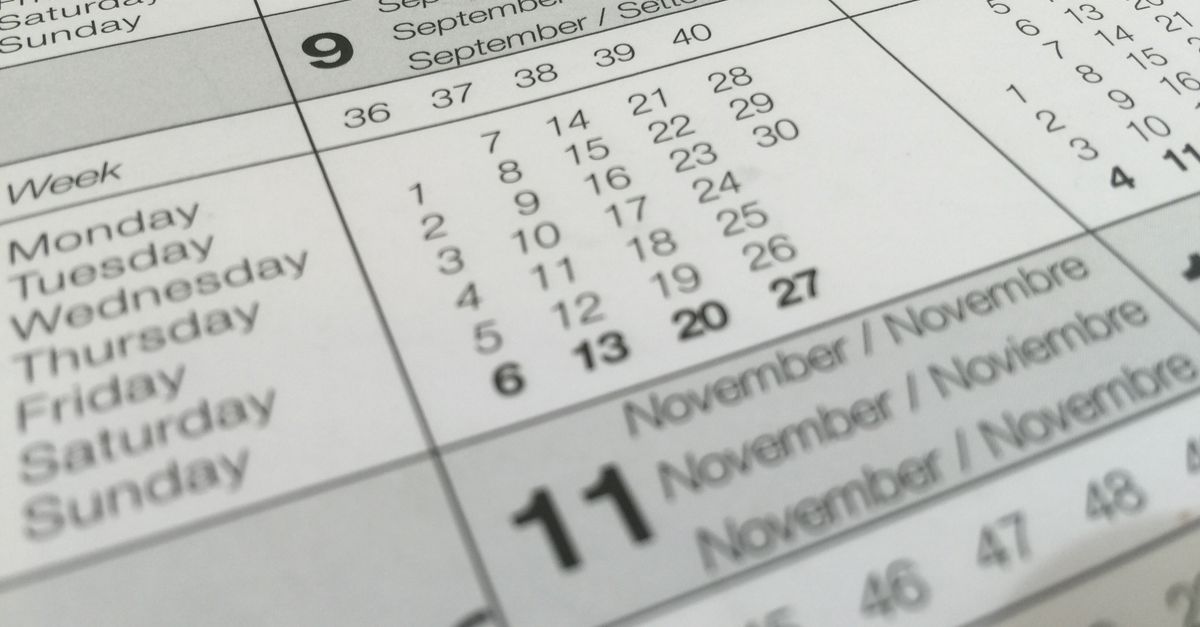
What "Week Number" Actually Means in Excel
Excel does not have a single built-in "week number of the month" function. The WEEKNUM function returns a week-of-year value, not a week-of-month value. To get the week number within a month, you subtract the week-of-year of the first day of that month from the week-of-year of your target date, then add 1.
WEEKNUM has a required second argument called return_type that controls which week-numbering system is used. The codes 1 through 17 plus 21 are the officially supported values; type 1 is the default if you omit the argument. Only return_type 21 follows ISO 8601, the international standard that anchors week 1 to the week containing January 4 (equivalently, the year's first Thursday). Every other code applies a different day-of-week start and a different rule for what counts as week 1.
| return_type | Day the week starts on | Rule for week 1 |
|---|---|---|
| 1 (default) | Sunday | Week containing January 1 |
| 2 | Monday | Week containing January 1 |
| 11 | Monday | Week containing January 1 |
| 12 | Tuesday | Week containing January 1 |
| 13 | Wednesday | Week containing January 1 |
| 14 | Thursday | Week containing January 1 |
| 15 | Friday | Week containing January 1 |
| 16 | Saturday | Week containing January 1 |
| 17 | Sunday | Week containing January 1 |
| 21 | Monday | ISO 8601: week containing the year's first Thursday |
Two practical takeaways: if your team, vendor, or report uses ISO 8601, always pass 21; if you skip the second argument you get type 1 by default, which uses Sunday as the start of the week and can mislabel the first week of any month that does not start on a Sunday.
The Two Formulas That Return Week Number in a Month
The ISO 8601 version of the formula is the one most business and engineering teams want. With a date in cell A1, the formula is:
=WEEKNUM(A1, 21) − WEEKNUM(DATE(YEAR(A1), MONTH(A1), 1), 21) + 1
This forces both WEEKNUM calls to use the ISO 8601 system, so the difference is the number of ISO weeks between the first of the month and the target date, plus one.
Worked example: A1 contains 2024-10-15 (Tuesday). WEEKNUM("2024-10-15", 21) returns 42 because the ISO week containing October 15, 2024 has Thursday October 17, 2024, which falls in ISO week 42 of 2024. DATE(YEAR("2024-10-15"), MONTH("2024-10-15"), 1) resolves to October 1, 2024, a Tuesday. WEEKNUM("2024-10-01", 21) returns 40 because October 1, 2024 sits inside the ISO week running Monday September 30 through Sunday October 6. 42 − 40 + 1 = 3, so October 15, 2024 is in week 3 of October under ISO 8601.
The default version drops the second argument or uses 1:
=WEEKNUM(A1) − WEEKNUM(DATE(YEAR(A1), MONTH(A1), 1)) + 1
This counts week 1 of the month as the week that contains the first calendar day, regardless of which weekday it is. The two formulas can disagree. The disagreement shows up for months that begin on a Tuesday through Saturday: a date in the same calendar week as the first of the month can return 1 under type 1 but a higher number under type 21, because ISO 8601 anchors week 1 to the week containing the first Thursday instead of the week containing day 1.
Where Excel's WEEKNUM Breaks Down at Year Boundaries
Both formulas above silently inherit the boundary behavior of whichever return_type you pass. For return_type 1 and codes 2 through 17, week 1 is defined as the week that contains January 1, so January 1 is always in week 1 of the new year and December 31 is always in the last week of the same year. For type 21, ISO 8601 uses a different anchor: week 1 is the week that contains the year's first Thursday, and the week-year follows the Thursday, not January 1.
That difference produces dates that fall in a different week-year than the calendar year would suggest. A few named fixtures make the boundary visible:
- 2016-01-01 (a Friday) belongs to ISO week 53 of 2015, written 2015-W53, because the Thursday of that week is December 31, 2015.
- 2021-01-01 (a Friday) belongs to ISO week 53 of 2020, written 2020-W53.
- 2021-01-04 (a Monday) belongs to ISO week 1 of 2021, written 2021-W01.
- 2024-12-30 (a Monday) belongs to ISO week 1 of 2025, written 2025-W01, because the Thursday of that week is January 2, 2025.
If your spreadsheet treats January 1 as always being in week 1 of the new year, those dates will be mislabeled in any pipeline that joins calendar year to ISO week. Some ISO week-years contain 53 weeks rather than 52; Some ISO week-years contain 53 weeks rather than 52, for example 2015, 2020, and 2026.
The same boundary problem hits Excel in another way: if the first day of a month falls in the previous ISO year, the subtraction WEEKNUM(date, 21) − WEEKNUM(first-of-month, 21) can produce a result that misrepresents the position of that date in the current month. Suppose you have a date in early January 2025 labelled "week N of January 2025"; if the first of January 2025 itself falls in ISO week 1 of 2025 the formula still works, but if you ever compare across the year boundary without aligning both terms to the same ISO year you have to apply the correction yourself.
Getting the ISO 8601 Week Label with the Week Number Calculator
When the goal is a single, standards-correct week label rather than a custom formula in every row, the Week Number Calculator returns the exact ISO 8601 label for any valid Gregorian date. It computes the week-year, the two-digit week number, and the Monday-based weekday using UTC arithmetic, so browser timezone and daylight-saving transitions cannot shift the selected date.
How to get the ISO 8601 label:
- Choose or enter a valid Gregorian date in YYYY-MM-DD form.
- Select Calculate ISO week.
- Read the returned label in YYYY-Www form, where YYYY is the ISO week-year, W is a fixed letter, and ww is the two-digit week number; the calculator also reports the Monday-based weekday number where Monday is 1 and Sunday is 7.
- Use the label only where ISO 8601 rules apply. For Sunday-start calendars, fiscal calendars, retail 4-4-5 calendars, or locale-specific numbering, the ISO label will not match and the result must be interpreted differently.
The calculator is built around eight cross-year boundary fixtures that cover ordinary week 1, Sundays at New Year, dates in a previous ISO year, dates in a next ISO year, and multiple 53-week years. Invalid dates such as 2023-02-29 fail visibly rather than rolling over to a wrong value, because the parser round-trips the YYYY-MM-DD string in UTC before any calculation runs.
For a date like 2024-12-30, the Week Number Calculator returns 2025-W01 plus the weekday number for Monday. For 2016-01-01, it returns 2015-W53 plus the weekday number for Friday. Those are exactly the boundary answers an ISO-aware dashboard, file-naming convention, or audit trail needs.
Common Pitfalls When Mixing Week Systems
Five recurring mistakes show up whenever Excel and ISO 8601 meet.
First, dropping the second argument to WEEKNUM. Excel's default is return_type 1, which is Sunday-start and uses the calendar year, not ISO 8601. Spreadsheets that build dashboards with =WEEKNUM(A1) on Monday-start data silently shift every date by up to one week relative to ISO reports.
Second, expecting WEEKNUM to give a week-of-month value. It does not. WEEKNUM is always week-of-year. Any "week of month" number is a derived value that your formula computes by subtracting two WEEKNUM results.
Third, assuming that January 1 always starts week 1. Under ISO 8601 it does not. Under Excel's default return_type 1 it always does. The two systems can disagree on the same calendar date.
Fourth, ignoring 53-week years. ISO 8601 week-years can run 52 or 53 weeks. If your pivot table or join key assumes exactly 52 weeks, dates in W53 will be dropped or relabelled as week 1 of the next year, which silently corrupts sums and counts that aggregate by week.
Fifth, using the ISO week label for non-ISO systems. Sunday-start calendars, fiscal calendars, retail 4-4-5 calendars, and locale-specific numbering all give a different week number for the same date. The Week Number Calculator is explicitly an ISO 8601 tool; for payroll, tax, legal deadlines, fiscal reporting, or any vendor API, you must confirm the exact calendar convention that system requires before applying any week label. The calculator's output is correct for ISO 8601 only.
When all parties have agreed on ISO 8601, the cleanest workflow is to let the calculator produce the canonical YYYY-Www label, then join, filter, or rename files by that label. That removes the formula maintenance, removes the return_type decisions, and removes the boundary drift that creeps in when one cell uses 21 and another uses the default.
If you're weighing options, Age Calculator Chart: Years, Months, Weeks, Days covers this in detail.
If you're weighing options, How to Solve the Assignment Problem in Excel covers this in detail.