The cost of charging an electric car is the electricity drawn from the grid, including charging losses, multiplied by your price per kWh.
There is no single universal price. The same battery can cost more or less depending on the tariff and charging method, while charging efficiency determines how much grid energy is needed to deliver the requested battery charge.
The EV Charging Cost Calculator handles this calculation for a home, workplace, or public charging estimate. Enter your own figures to see the total cost and the energy involved.
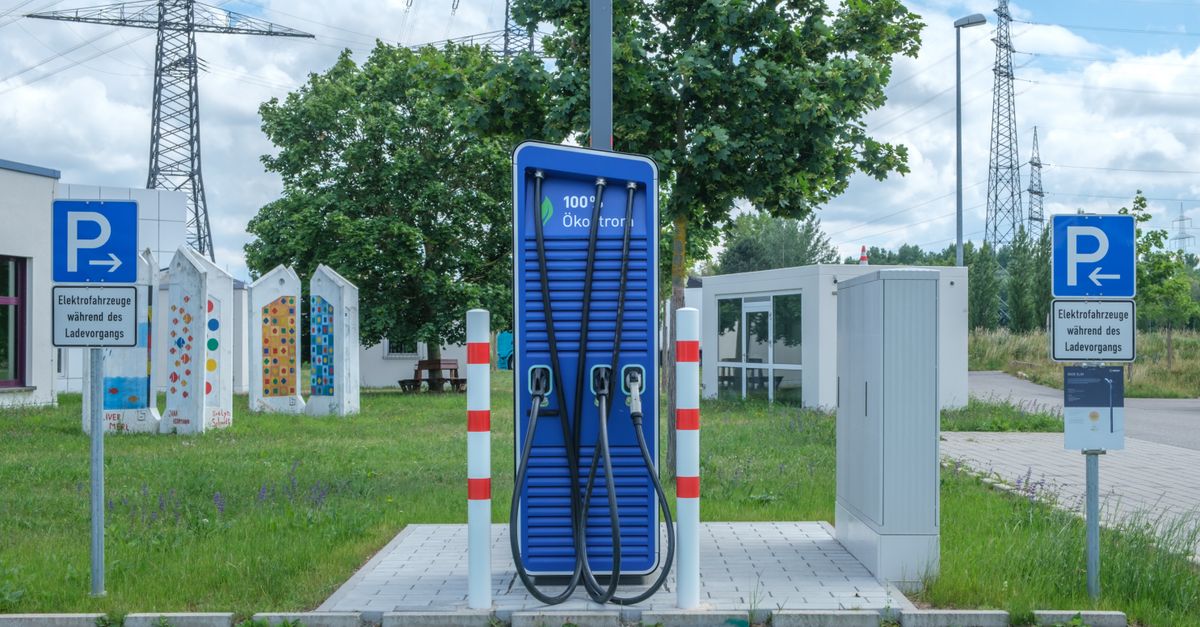
What changes the price of a charge
Four inputs define the estimate. Each should reflect the session you want to price rather than a generic full-charge assumption.
- Battery capacity: Enter the battery size in kWh. It provides the base for calculating how much energy a change in charge percentage requires.
- Electricity rate: Enter the price of one kWh in your own currency. A home tariff, workplace rate, and public charging price can produce very different totals.
- Starting and target charge: Set the battery percentage at the start and the percentage you want to reach. The target defaults to 80%.
- Charging efficiency: Adjust this when you know the relevant value. For AC home or workplace charging, the calculator's guidance is about 85–90%, with 90% as a sensible default.
The result is currency-neutral: the unit used for the rate is also the unit shown for the cost, so dollars, euros, pounds, and other currencies are supported.
Work out your electric car charging cost
Use this workflow for one charge or one planned charging session:
- Enter the battery and rate. Add the battery capacity in kWh and the electricity price per kWh in the currency you want the answer to use.
- Set both charge levels. Choose the percentage already in the battery and the target percentage. If the target is left at its default, the calculation is based on 80%.
- Adjust charging efficiency. Use 90% as the sensible default for an AC estimate, or enter a more suitable value if you have one. AC home and workplace charging typically falls around 85–90%.
- Read the result below the inputs. The total cost appears instantly, along with the energy added to the battery, the energy pulled from the grid, and the energy lost during charging. There is no button to press.
Everything runs in your browser and nothing is uploaded, so your battery, charge-level, rate, and efficiency details remain on your device.
Read the cost and energy results
The calculator separates three energy quantities because they answer different questions. The total cost is based on grid energy, not merely on the energy that reaches the battery.
| Output | What it represents | Why it is useful |
|---|---|---|
| Total charging cost | Grid energy multiplied by the entered electricity rate | Shows the estimated cost of the selected charge |
| Energy added to the battery | Battery capacity multiplied by the charge-percentage gap | Shows how much energy the battery receives |
| Energy drawn from the grid | Energy added to the battery divided by charging efficiency | Shows the amount of electricity you pay for |
| Charging losses | Grid energy minus energy added to the battery | Shows the energy consumed by charging inefficiency |
The charging-loss figure is the difference between grid energy and battery energy. It represents the extra electricity paid for because the charging process is not perfectly efficient.
Use the total cost for budgeting and the energy figures for checking the assumptions behind it. Because the calculator accepts one rate, enter the per-kWh price that applies to the charging session you are pricing.
A 60 kWh home-charge example
A 60 kWh battery charged from 20% to 80% at 90% efficiency, with electricity priced at 0.30 per kWh, illustrates each step:
- Energy added to the battery = 60 × (80 − 20) ÷ 100 = 36 kWh.
- Energy drawn from the grid = 36 ÷ 0.90 = 40 kWh.
- Charging loss = 40 − 36 = 4 kWh.
- Total charging cost = 40 × 0.30 = 12.00 in the entered currency.
The 12.00 result applies to this battery, charge window, efficiency, and rate. Change any of those inputs and the calculator updates the estimate, making it useful for testing another tariff or charging target.
Compare tariffs and charging types
Charging efficiency affects how much energy is wasted, but the electricity rate often has the greater effect on the final bill. The following comparison shows the practical pattern for each charging context.
| Charging context | Energy pattern | Cost pattern |
|---|---|---|
| AC home charging | The calculator's suggested AC efficiency range is about 85–90% | An off-peak or overnight rate can be a fraction of the public network price |
| AC workplace charging | Broadly similar to other AC charging | The site's per-kWh rate determines the result, so use its actual price |
| DC public rapid charging | Usually a little more efficient at the connector because it bypasses the car's onboard AC converter | Typically much more expensive per kWh, so it often costs more than slow home charging |
DC charging can lose slightly less energy, but a small efficiency advantage does not necessarily produce a cheaper session. A higher public charging rate can outweigh the additional energy that AC charging wastes.
Charging method also matters within the same tariff. A proper 240-volt Level 2 unit is slightly more efficient than trickle charging from a standard wall socket, so more of the energy you pay for reaches the battery.
Ways to reduce the charging bill
The most useful savings depend on your battery, tariff, and access to different chargers. These are the main options to test:
- Use the lowest applicable rate: Charge on an off-peak or overnight tariff and enter that per-kWh price. Repeat the calculation with a peak rate to see the difference for the same charge.
- Prefer a proper Level 2 connection: When available, a 240-volt Level 2 charger is slightly more efficient than a standard outlet, reducing the grid energy needed for the same battery gain.
- Make 80% a routine target: The default target reflects a practical way to avoid the slow, less efficient top-up phase near a full battery and is also easier on the battery.
- Compare complete sessions: Look at the total cost rather than efficiency alone. Public DC charging may waste less energy while still costing substantially more because of its per-kWh price.
For a broader monthly budget, calculate each planned charging session and add the resulting totals with the Online Calculator.
Avoid four common calculation errors
Most inaccurate estimates come from changing the inputs without changing the underlying arithmetic:
- Charging from empty when the car is not empty: Multiply the battery capacity by the difference between the target and starting percentages, not by 100% unless that is the actual charge window.
- Paying for only the energy entering the battery: Divide battery energy by charging efficiency to find the grid energy that appears on the bill.
- Assuming charging is perfectly efficient: Setting efficiency to 100% removes charging losses and makes the estimate artificially low.
- Choosing the fastest option without checking its rate: Rapid charging may be more efficient, but its higher electricity price can still make it the more expensive choice.
Keeping the battery capacity, charge window, efficiency, and currency consistent makes each comparison meaningful.
Know what the estimate covers
Each result is a session estimate built from battery capacity, the percentage gap, one electricity rate, and charging efficiency. Because the workflow accepts a single per-kWh rate, a time-of-use tariff should be represented by the rate that applies during the planned charging period.
Any separate public-charging session or parking fee is not represented by the displayed energy-times-rate result, so those amounts must be considered separately. Likewise, an estimate is only as reliable as the battery size, charge levels, efficiency, and rate you enter.
If your energy information is recorded in another unit, use the Energy Converter before entering battery capacity, which the charging calculator expects in kWh.