Repeating the same result when you generate an audio waveform means getting byte-for-byte identical SVG output from the same input file and the same settings, every time you run the process. Reproducibility comes from three concrete properties working together: deterministic integer bucket boundaries over a fully decoded frame range, fixed pixel coordinates derived from your chosen width and height through a stable 45 percent vertical mapping, and validated six-digit hexadecimal color strings that are never read from filenames or embedded metadata. When all three are present, two runs on the same machine produce the same SVG, and the preview pane, the inspector text, and the downloaded file share one identical string. If any of those properties is missing, results drift between runs even when the input file is unchanged. Cloud-based renderers that resample on the server, tools that read title or artist tags as color hints, or methods that drop frames silently between buckets will look the same to the eye but fail an XML or hash comparison. The Audio Waveform Generator keeps every step inside the current browser tab and pins each output dimension to a number you typed.
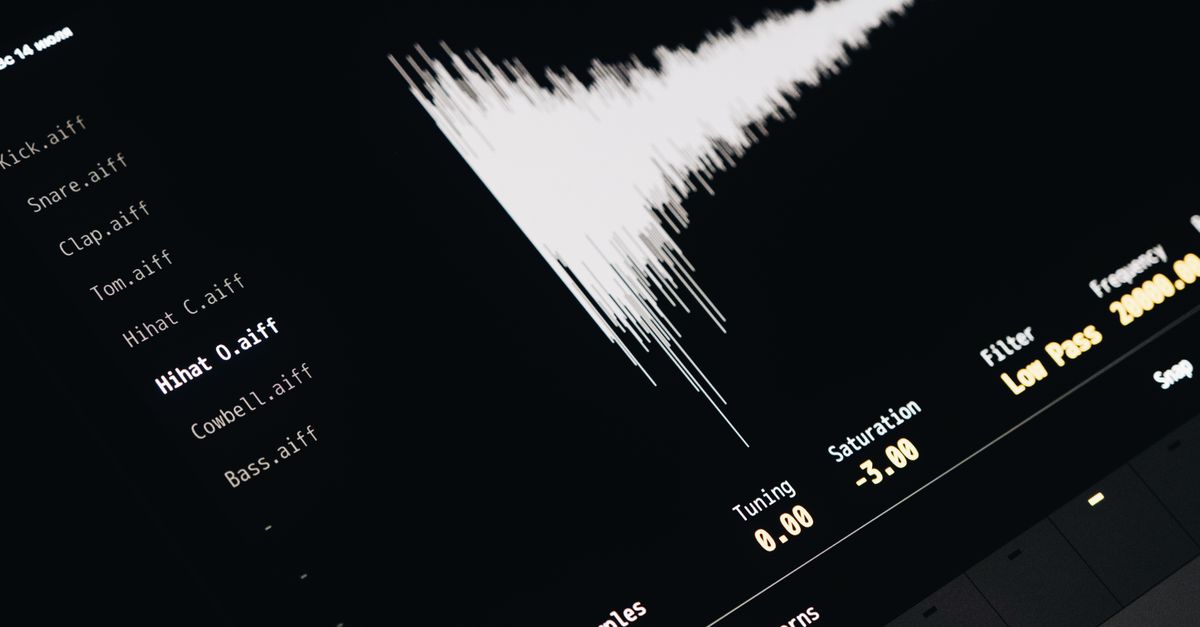
Why a waveform image often shifts between runs
Most online waveform tools describe themselves as producing a "waveform," yet the file you download on Monday and the file you download on Friday are rarely identical even when nothing changed. Several common causes explain the drift:
- Server-side resampling. A cloud tool that decodes on its backend may resample for performance, return cached results, or quietly upgrade its pipeline between visits. The output byte stream changes even when the input file is untouched.
- Metadata-driven colors. Some generators read the audio file's title, artist, or comment tag and reuse those bytes as a color hint. Rename the file or strip the tag and the picture changes even though the audio did not.
- Silent frame dropping. When a clip is too long, a naive tool may draw only the first N seconds without telling you. The same input therefore produces a different image every time the code path changes or the runtime budgets differently.
- Floating-point column buckets. Tools that bucket frames by a fractional index can produce slightly different bucket assignments depending on how the runtime rounds, which shows up as columns that shift by one pixel between runs.
- Embedded source data. If the SVG includes file path strings, software version stamps, build timestamps, or random identifiers inside the markup, the file fails to round-trip identically.
To repeat the same result you need every input that affects the picture to be a number or a color string that you typed, every bucket boundary to be derived from an integer formula, and the entire clip to be processed rather than truncated.
How to repeat the same waveform result with the Audio Waveform Generator
- Pick a supported audio file. Choose one MP3, WAV, M4A, AAC, Ogg, WebM, or FLAC that your current browser can actually decode through Web Audio. The compressed file must be at most 50 MiB, the decoded clip must last no more than five minutes, it must contain one through eight channels, sit inside an 8,000 to 192,000 Hz rate, and stay under 30 million channel samples once expanded. If the codec path fails, the tool reports an error rather than producing a partial picture.
- Set the SVG dimensions and colors. Choose a width from 320 to 1,600 pixels, a height from 120 to 600 pixels, and pick the background and waveform colors from the browser's six-digit hexadecimal color controls. Every value you enter here is the only source the renderer uses for those properties.
- Generate the local peak envelope. Click the generate action. The page divides every decoded sample frame into one of min(width, 1000, frames) integer-index buckets. For each bucket the code finds the finite minimum and maximum sample across every channel, clamps defensive out-of-range values to minus one through one, and draws one vertical SVG line from the bucket maximum to its minimum.
- Read the reported counters. The page shows the decoded frame count and the peak-column count that the SVG will contain. Two identical runs produce identical counters, which is the first cheap check that you have a reproducible build.
- Inspect the preview or SVG text. Open the inline preview and, if you want to confirm the markup, expand the SVG inspector. Both views render the same exact string, and the coordinates inside that string are derived solely from your width, height, and color choices.
- Download the exact scalable SVG. Save the file. The downloaded SVG and the inspected string are one and the same; nothing is re-encoded, re-sampled, or stamped with metadata on the way out.
The whole flow stays in your tab. Web Audio reads the file locally, the page computes buckets and lines locally, and the SVG is built locally, so the bytes you see are the bytes the renderer saw. The matching local SVG conversion walkthrough documents the same deterministic pipeline from a slightly different angle.
What the deterministic SVG actually contains
Because the goal is to repeat the same result, it helps to know which numbers in the output are pinned and where they come from. The table below maps each visible property of the picture to the rule the renderer applies:
| Property | Pinned value | Source |
|---|---|---|
| viewBox and width / height | Exactly the width and height you typed | Dimension inputs |
| Background | One rectangle filled with your background color | Hex color input |
| Vertical center | Half of the requested height | Height input |
| Full-scale positive sample | 45 percent of height above center | Fixed mapping rule |
| Full-scale negative sample | 45 percent of height below center | Fixed mapping rule |
| Top and bottom margin | 5 percent of height on each side | Fixed mapping rule |
| Column count | min(width, 1000, decoded frames) | Inputs and decoded length |
| Column x-position | Evenly centered across the width | Width and column count |
| Line geometry | Vertical line from bucket max y to bucket min y | Clamped finite extrema |
| Color strings | Your six-digit hex input, not embedded tags | Color inputs |
For a concrete anchor: if the decoded frame count is 24,000 and the requested width is 800, the columns resolve to min(800, 1000, 24000) = 800, and each bucket covers 24,000 / 800 = 30 contiguous frames starting at frame zero and reaching the final decoded frame. None of those values depends on the file name, the operating system clock, or a server-side random seed. Two identical sessions on the same browser produce an SVG that diffs as empty in a text comparator, which is the practical test of "I can repeat the same result."
Limits that protect reproducibility
The same input can only map to the same output when the entire input is actually processed. Audio Waveform Generator enforces a fixed set of bounds for that reason. Each limit below is the boundary the renderer checks before it draws a single line, and over-limit audio is rejected as a whole rather than truncated silently:
| Limit | Allowed range | Why it matters for repeatability |
|---|---|---|
| Compressed file size | Up to 50 MiB | Stops the page from accepting a file the browser cannot decode in a reasonable time |
| Decoded duration | Up to 5 minutes | Keeps the bucket math inside a bounded SVG size and processing budget |
| Channel count | 1 through 8 | Defines the cross-channel extrema the renderer can sweep per bucket |
| Sample rate | 8,000 through 192,000 Hz | Rejects exotic rates that some browsers cannot decode |
| Channel samples total | Up to 30 million | Stops a small compressed file from expanding into a multi-gigabyte floating-point array |
| SVG width | 320 to 1,600 pixels | Bounds the column count to a tractable number |
| SVG height | 120 to 600 pixels | Bounds the vertical mapping so the 45 percent rule stays meaningful |
If your file fails any check, the page refuses the input instead of producing a partial waveform. That refusal is itself a form of reproducibility: any SVG you actually do receive is drawn from the full decoded clip, not the first thirty seconds of it.
When repeating the result still won't tell you what you think
A deterministic SVG is not the same thing as a calibrated measurement, and the result you can faithfully repeat has well-defined boundaries. Keep these limits in mind when you interpret the picture:
- It is not a loudness meter. Two recordings can show near-identical peaks yet sound very different because perceived loudness depends on duration, frequency balance, dynamics, and playback conditions, none of which the peak envelope encodes.
- It is not a spectrogram. Time runs left to right, but the vertical axis is sample amplitude, not frequency. You cannot read notes, transients, or musical structure off the picture.
- It does not separate channels. For stereo or multichannel audio, each bucket takes the minimum and maximum across every accepted channel, producing one combined peak overview rather than separate left and right lanes. A bucket can take its minimum from one channel and its maximum from another, so the result does not preserve channel identity visually.
- It does not re-write the audio. The original bytes are never modified; only a new SVG is produced.
- It is not a diagnostic tool. The picture cannot tell you about clipping history, phase relationships, mastering compliance, hearing, or other equipment faults.
Web Audio's AudioBuffer interface is the underlying object that supplies the decoded sample frames the renderer reads. Every reproducible run depends on that buffer being decoded consistently in your browser, which is why unsupported codec combinations fail loudly rather than returning a guess.
Re-running the same build later
If you want to lock a result down for documentation or for a teammate, record the file checksum, the width, the height, the two hex color strings, and the generated SVG itself. Re-opening the Audio Waveform Generator with those exact inputs reproduces the same SVG on the same browser, and the local-only processing model means there is no server cache, build stamp, or anonymous job ID that could shift between visits. The inspected markup is the downloaded markup, which is the only honest definition of "I can repeat the same result."