No—the reverb in Audio Effects Online is a disclosed lightweight three-tap reflection design, not a real-room model or studio-processor emulation. It creates a fixed set of early reflections for a quick sound-design draft rather than attempting to reproduce the dimensions, acoustics, impulse response, or behavior of named studio hardware.
That distinction matters when choosing an online audio effect. A room or processor model may be designed to represent a specific environment, while this reverb uses three predetermined delays and weights. The result can suggest extra space, but its realism depends on the source material and the listener rather than on a simulated concert hall, plate, spring tank, studio room, or hardware reverb unit.
The reverb operation runs entirely in the current browser tab. The file is decoded locally, one selected effect is applied, and the complete result is offered as a new PCM16 WAV. There is no server render, hidden AI transformation, upload to Lizely, or storage in an account. Try the Audio Effects Online to do this in your browser.
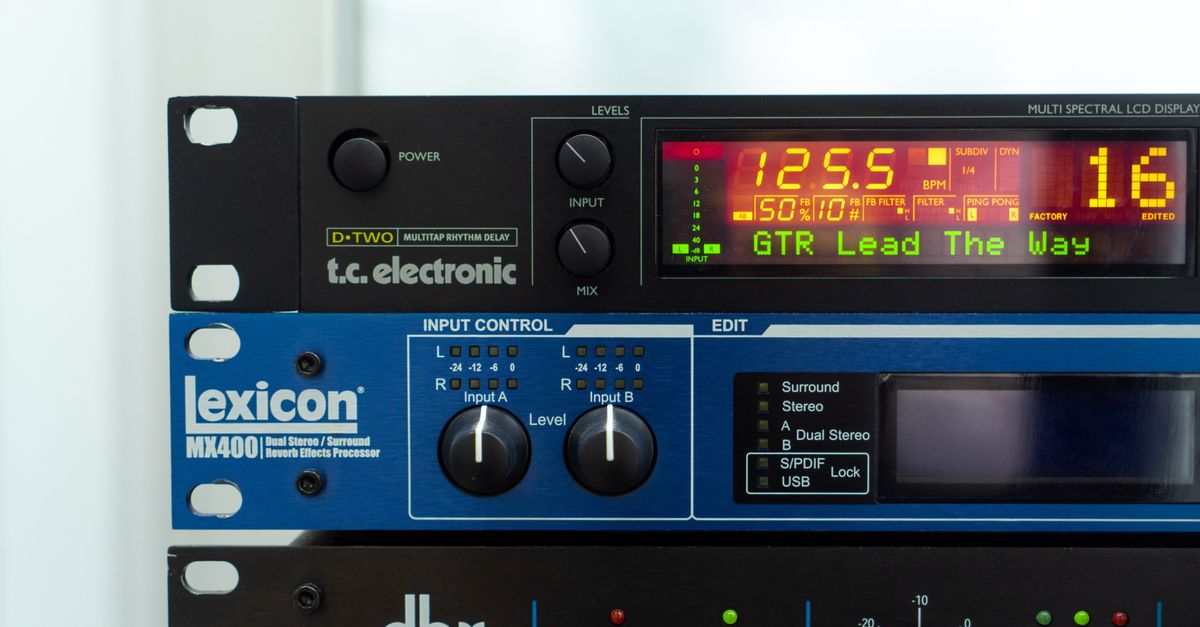
What the online reverb actually generates
The effect adds three delayed copies of the input to the dry recording. The delays are fixed at 29.7, 37.1, and 41.1 milliseconds. Their disclosed weights are 0.50, 0.35, and 0.25, and each weight is multiplied by the amount selected in the interface.
These coefficients are product choices, not acoustic measurements. They do not represent a measured chamber, studio, hall, plate, spring, impulse response, acoustic material, or branded processor. The tool calculates and allocates the complete reverb tail before processing, so it does not deliberately cut off the final reflection to save memory.
In practical terms, the output is a deterministic early-reflection layer. It can give a voice, instrument, or sound-effect draft a stronger sense of separation or repeated space. What it cannot do is infer where the source was recorded, reconstruct a physical room, or reproduce how a particular reverb processor responds at every frequency.
Why it is not a room or studio emulation
The clearest way to evaluate the effect is to compare the acoustic features it actually controls with the features required for an environmental simulation.
| Feature | Audio Effects Online reverb | Practical consequence |
|---|---|---|
| Reflection source | Three deterministic delayed copies | Produces repeatable early reflections rather than a sampled room response |
| Room dimensions | Not modeled | Cannot represent the size or geometry of a specific room |
| Frequency-dependent decay | Not modeled | Does not reproduce material- or size-dependent tonal decay |
| Stereo diffusion | Not modeled | Does not simulate a wrapped or diffused stereo field |
| Damping and pre-delay | Not modeled | Cannot imitate those controls in a room or hardware processor |
| Convolution | No impulse response is used | Does not convolve the audio with a captured or synthesized room response |
| Professional reverb tail | Only the fixed early reflections | Does not create a full professional-style decay tail |
The amount control changes the strength of those three reflections; it does not unlock room dimensions, select another impulse response, or morph the effect into a hardware emulation. Treating it as a realism control would therefore be misleading.
How to apply the reverb in Audio Effects Online
- Choose one browser-decodable audio file. The encoded file must be no larger than 50 MiB. MP3, WAV, M4A, AAC, Ogg, WebM, and FLAC filenames are accepted, but actual codec and profile support depends on the browser and operating system. A recognized extension does not guarantee that the encoded file will decode. The decoded audio must also use one to eight equal-length channels, a sample rate from 8,000 to 192,000 Hz, and no more than 30 million channel samples, while remaining within the local pipeline's duration budget.
- Select the lightweight reverb effect. Choose an integer amount from 0% through 100%. Only one transformation can be applied in a run, so select reverb rather than another effect if a draft is intended to use these three reflections.
- Apply the effect locally. The browser's Web Audio implementation decodes the selected file and applies the reverb to its sample frames. The dry signal remains while the three delayed copies are added at their fixed delays and scaled weights.
- Allow for the added tail. Reverb adds frames beyond the original input length. If the complete calculated output would exceed 30 million channel samples, the tool rejects the operation rather than truncating the tail. In that case, no output file is created.
- Inspect the reported values. Check the channel count, sample rate, input frame count, output frame count, output peak, and exact WAV byte size. The larger output frame count should account for the complete added reverb tail.
- Download the complete PCM16 WAV and retain the original. The download is a separate processed file, while the untouched source remains available. Keep that original because the exported WAV does not retain the source compression, tags, artwork, chapters, cue points, loop markers, or other container metadata.
What the 0–100% amount changes
The amount is an integer scale applied to all three reverb weights. At 0%, no delayed copies are added. As the amount rises, the same three reflections become stronger; at 100%, their disclosed weights are used at full scale. The delay times do not move, and no additional acoustic properties appear at higher settings.
This makes the slider useful for balancing the fixed reflections against the dry recording. It is not a dry-versus-wet switch in the sense of removing the original, nor is it a realism control. Increasing it can also make the sound denser because the original and delayed samples overlap more strongly.
Strong settings can clip when dry and delayed samples combine. Finite output samples are therefore constrained to the legal -1 through +1 floating range before conversion to 16-bit PCM. Inspect the reported output peak, and treat clipping as a change to the dynamics rather than as evidence that the effect is emulating a louder room or processor.
Checks that reveal whether processing completed
The Web Audio specification defines decoded buffer length in sample frames. That distinction explains why a reverb result can have more frames than its source: the three delayed copies extend the end of the signal. A missing download usually means the operation did not complete, not that the tool silently shortened the tail.
Compare the input and output frame counts, then inspect the output peak for clipping. Also check the exact WAV byte size displayed by the page. Microsoft’s PCM WAVEFORMATEX documentation defines block alignment as channels multiplied by bits per sample divided by eight. At 16 bits, that corresponds to two bytes per mono frame and four bytes per stereo frame, which helps explain how channel count and duration affect the downloaded size.
If decoding fails, the tool creates no result. That can happen even when the filename is recognized, because the browser and operating system must support the actual codec and profile. It can also happen if the decoded channel, sample-rate, duration, or channel-sample budget is not accepted.
Limits that can prevent a download
The 50 MiB limit applies to the encoded source file, while the 30-million-channel-sample limit applies to decoded channel data. Reverb and echo have an additional output constraint because their tails add frames. A source can therefore pass the input budget and still fail the output budget. The tool does not truncate it or provide a partial WAV.
Only one effect is applied per run. To build a longer chain, download the first result, inspect it, and then use that WAV as the input for a later run. Repeated processing can reveal artifacts already present in a lossy source, while repeated clipping or normalization can alter dynamics. This is another reason to keep an untouched original and evaluate each stage separately.
Changing the selected file, effect, or amount replaces the current state rather than extending an earlier job. The displayed frame counts, peak, and byte size therefore describe the current operation only. Older output from another selection should not be treated as a result of the new settings.
When the lightweight effect is appropriate
This reverb is suitable when the immediate goal is a fast, repeatable hint of space on a draft. Because the same three delays and weights are used for every render, it can also help compare versions of a recording or test how much early reflection a source needs before the effect becomes distracting.
It is not suitable when the target is a specific concert hall, recording studio, plate, spring device, acoustic material, or branded hardware processor. The tool has no controls for room dimensions, frequency-dependent decay, diffusion, damping, pre-delay, or convolution, so none of those acoustic identities can be inferred from its output.
For an environmental or hardware-specific result, use a dedicated room simulation, convolution workflow, or the target processor itself. For a lightweight browser draft, use the three disclosed reflections with the understanding that the amount slider controls their strength rather than their realism.
Local processing and export fidelity
All file reading, decoding, sample processing, WAV encoding, and download creation occur in the current browser tab. Audio is not uploaded to Lizely or stored in an account. The tool can create a local WAV without a server render, and it does not apply a hidden AI transformation.
The download is a new interleaved little-endian PCM16 RIFF/WAVE file. It retains the processed channel samples and sample rate, but floating-point samples are quantized to signed 16-bit PCM. It does not preserve the original codec, bitrate, compression quality, tags, artwork, chapters, cue points, loop markers, or container metadata.
Keep the source file separately if those original properties matter. The PCM16 WAV is the processed sound-design output, while the original remains the clean reference for comparison, another effect chain, or restoration.
For a deeper look, see Common Mistakes When Using Audio Effects Online.
For a deeper look, see What Can Go Wrong When I Use Audio Effects Online?.