Logic Pro can play white noise routed from a browser-based generator through a virtual audio loopback, so any white noise required in a Logic session runs as a continuous, locally generated, controllable test signal rather than a built-in oscillator or an imported audio file. White noise, in audio engineering terms, is a signal whose samples are uncorrelated from one instant to the next and whose expected power spectral density is roughly even across the audible band, which is what makes it useful for plug-in testing, routing verification, and reference tone work in a DAW such as Logic. Because Logic does not ship with a dedicated white-noise generator the way it ships with sine and pulse test tones, you reach for one of three solutions: a third-party noise plug-in, an audio file of noise imported into a track, or an out-of-process source that streams a continuous random signal into a Logic audio track. Each approach works; routing a local browser source is the simplest when you want something that starts and stops instantly, does not require installing a plug-in, and stays confined to the active browser tab with nothing uploaded. The signal that emerges is practical for tests, not certified acoustic measurement.
The rest of this guide explains what white noise is in a Logic context, why a browser-based source can be more convenient than building noise inside the project, the ordered steps to set it up, the practical uses that justify the setup, and the honest limits of browser-generated noise.
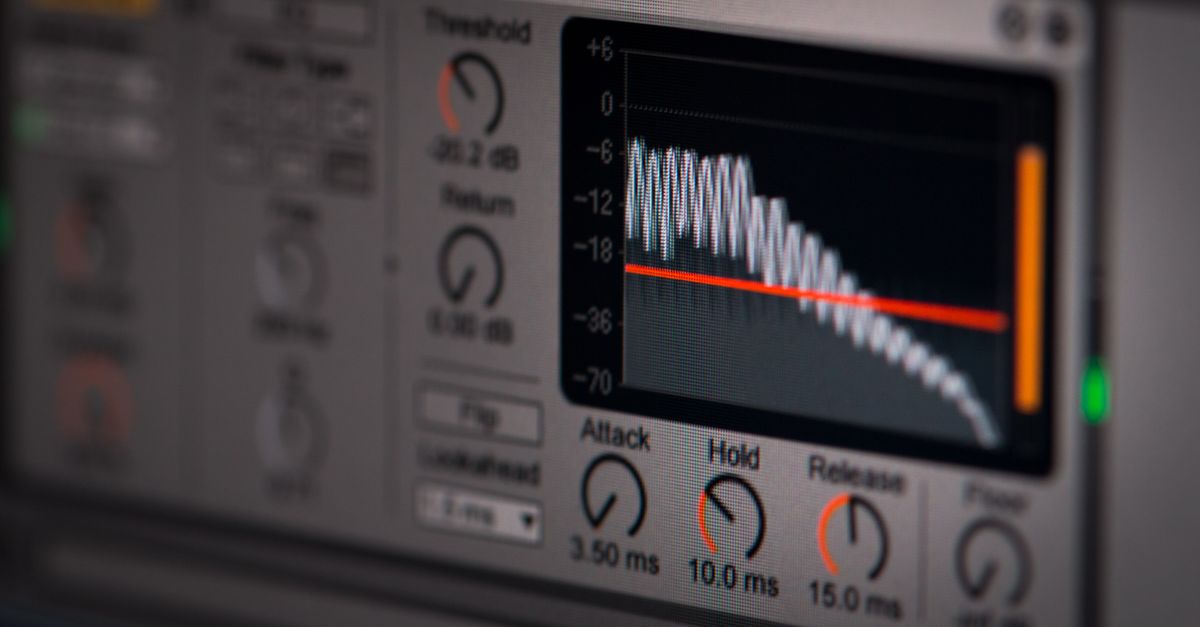
What white noise actually means in a Logic session
Every signal you reach for in a session has a spectral shape, and white noise is the one with the flattest shape across the frequencies that your system can reproduce. In engineering terms, a white signal has uncorrelated samples from one instant to the next and an expected power spectral density that stays roughly even across the band. NI independently describes wide-band noise as flat in the frequency domain in its dithering and high-quality-components guide, and the W3C Web Audio API specification defines the AudioBuffer, AudioBufferSourceNode, and GainNode primitives that a browser source uses to deliver it.
The White Noise Generator is described as a continuous, bounded random signal with a nominally flat power distribution across the frequencies the browser can represent, so it falls into that same family. In practical terms, that gives you a steady rushing sound — closer to distant surf or a detuned FM receiver than to wind or rain — which is exactly the texture you want when you check whether a plug-in chain treats every frequency the same way, or whether a sidechain detector reacts to broadband energy rather than to a single pitched note.
Two clarifications from the product contract are worth pinning down before you start. First, the signal is uniformly distributed rather than Gaussian, which changes the amplitude statistics but not the white classification, since whiteness is a property of the power spectral density rather than the sample distribution. Second, the signal is band-limited to whatever the browser can represent at its native sample rate, which the contract calls "a practical digital approximation rather than mathematically ideal infinite-bandwidth noise." For Logic tests, that is exactly the approximation you want.
Why Logic users reach outside Logic for white noise
Logic's Test Oscillator plug-in plays sine and pulse tones but stops short of a continuous broadband noise signal, and that is not an oversight — it is a deliberate scope. Most engineers who need noise build it inside the project: load a short noise sample, loop it on an audio track, or pull white noise out of ES2's modulation matrix as a rough patch. Both approaches work, and both have visible drawbacks.
An audio file loops a fixed recording that you cannot re-randomize; a synthesis-derived noise is shaped by the engine and may not stay truly flat across the spectrum. A browser-based generator sidesteps both limits by producing a fresh random sequence on each start — the implementation requests a fresh 32-bit seed every time it begins — looping it through a single GainNode, and keeping the entire generation local. Nothing is uploaded, nothing is recorded from your room, and the source leaves no trace once you stop playback, close the tab, or move on. The generator is not cryptographically secure and is not presented as such, but for an audio test signal that property is not what you are buying.
For a Logic user who needs a quick reference tone for a single listening test, a routing check, or a sidechain calibration, that is often the path of least friction compared to creating a fresh audio file, dropping it onto a track, and arming record.
Generate white noise in Logic from a browser tab
- Open the White Noise Generator in a browser tab and turn your operating system output volume down before you start. The slider on the tool loads at a conservative 15% gain, and you can leave it there or drag it lower before clicking Start.
- Click Start white noise. The generator allocates a two-second mono AudioBuffer at the browser's native sample rate (accepted only between 8 kHz and 192 kHz), fills it with uniformly distributed samples in the range −1 inclusive to 1 exclusive from an xorshift32 recurrence, and loops that buffer through a single linear GainNode whose gain is the slider percentage divided by 100.
- Route the browser tab's audio output into Logic. On macOS the typical path is enabling a virtual audio device such as BlackHole or Loopback, pointing the browser or the system output at it, and adding an audio track in Logic with that device selected as its input.
- Arm the audio track for input monitoring. You should immediately see a steady waveform at the track meter and hear white noise through Logic's output path. Skip arming record if you only need monitoring; arm record if you want to bounce the noise onto the track as a captured region.
- Raise the slider only as much as the test requires. The 15% default is a conservative starting point, not a calibrated listening level. Your device volume, headphones, speakers, amplifier, and room all add their own gain, so step up gradually and stop if anything feels loud.
- Click Stop before you close the tab or whenever the sound feels uncomfortable. Stop disconnects both the source and the gain node, closes the AudioContext, and clears any pending start. If you navigate away, the same cleanup runs on unmount, so no orphan audio graph is left behind.
Within these steps, three guard rails in the tool matter for a Logic workflow. Start is rejected if a previous playback is still starting or active, so repeated clicks cannot stack several noise generators on top of each other. The two-second buffer caps the memory cost at about 384,000 float samples — roughly 1.5 MiB at the highest accepted sample rate — even if the browser offers an unusually high AudioContext rate, which keeps the playback path predictable. And every start asks the browser for a fresh seed, so the noise you hear on each run is a different random sequence rather than the same looped file you would get from importing a recording.
Practical Logic uses for a white noise test source
A broadband noise signal is one of the few test sources that exercises every frequency at once, which makes it the most efficient way to check several Logic-specific things in one pass. The table below summarises the most common in-session uses.
| Logic task | What white noise lets you check |
|---|---|
| Plug-in chain A/B test | An identical broadband input feeds both chains, so any audible difference comes from the plug-ins, not the test signal. |
| Routing and bus verification | The meter on every send, bus, and output lights up, which confirms the signal is reaching the expected path. |
| Sidechain and gate calibration | Steady broadband energy triggers detectors reliably, so compressor thresholds, expander ranges, and gate opens can be dialled in by ear without waiting for a performer. |
| Dynamics plug-in headroom | A predictable, roughly steady RMS level makes it easy to spot early clipping in a limiter or saturator on the bus. |
| Listening environment sanity check | If the noise sounds obviously coloured in one seat versus another, the room — not the plug-in chain — is the variable worth fixing first. |
Two adjacent uses sit just outside Logic itself but are worth mentioning because the same white-noise source covers them. One is calibrating a hardware output by feeding the same noise through both the new and reference paths and matching levels by ear or meter. The other is comparing the noise floor of two microphones for a recording session: route the noise into the room, capture it on the Logic audio track, and compare spectra in Logic's Sample Editor.
Gain, monitoring, and listening safety in the studio
The White Noise Generator exposes a 0–100% slider that drives one GainNode on the page, with 15% as the conservative default. That single control does not stand alone — your computer's operating system volume, your audio interface output knob, your monitor controller, your power amplifier, your speakers or headphones, and the room you are in all multiply that signal before it reaches your ears. The contract is explicit: the tool gain is not a measurement of sound pressure, 100% is not endorsed as safe, and a low percentage is not a safety guarantee.
The practical guidance is the same in a Logic session as in any other context. Start with the tool slider at 15% and your operating system volume low, raise the slider only if the test genuinely needs more level, and press Stop on the tool the moment the noise feels uncomfortable. If your session is already loud for other reasons — tracking drums, mixing at reference level — keep the white-noise check short, since the ambient level around you is independent of the noise generator's gain. Headphone users in particular should treat the 15% default as the upper bound, not the lower bound, of a comfortable level for extended listening, and follow the guidance supplied with their audio equipment.
The honest limits of browser-generated white noise
A browser-generated signal is a practical approximation, and the product contract is plain about which properties hold and which do not. The signal is a band-limited digital approximation rather than mathematically infinite white noise; it is generated with a xorshift32 recurrence, which is fast and reproducible in tests but not cryptographically secure; and it is uniformly distributed from −1 inclusive to 1 exclusive, which differs in amplitude distribution from Gaussian white noise even though both qualify as white when their samples are uncorrelated and their power spectral density is flat.
Two practical limits matter most for Logic work. First, the buffer is exactly two seconds long and loops, so any analysis you do in Logic's Sample Editor on the recorded noise will see that loop point in the waveform — for spectrum analysis you may want to record at least three to four seconds to push the loop out of the visible window. Second, the tool runs only while the tab is open; closing, reloading, or moving the tab stops playback automatically through the same Stop path, which is by design rather than a quirk, and the same cleanup runs if startup fails.
The contract is also explicit about what the tool is not. It does not upload audio, settings, seeds, or listening data. It does not access your microphone. It does not analyse a room. It does not calibrate sound pressure. It does not diagnose, prevent, or treat sleep, hearing, tinnitus, anxiety, or any other health condition. It is not hearing protection and not a certified acoustic test instrument. Treating it as a simple, controllable broadband test source — and treating actual loudness as a property of your entire playback chain — keeps the expectations honest and keeps the result useful in a Logic session.
Related reading: Is a White Noise Generator Safe to Use Online?.
Related reading: White Noise for Sleep: A Rain Sounds Alternative.